
Master thinkScript Programming
Learn to build custom indicators, scans, backtesting strategies, and automated alerts in ThinkOrSwim. From beginner basics to advanced techniques.
thinkScript Key Concepts
Master these fundamental concepts to build any custom tool in ThinkOrSwim.
Variables & Data Types
Learn def, input, and plot statements for storing and displaying data.
Conditional Logic
Master if/then/else statements and boolean conditions.
Built-in Functions
Use functions like Average(), Highest(), LowestAll(), and more.
Price & Volume Data
Access open, high, low, close, volume, and other market data.
Time Functions
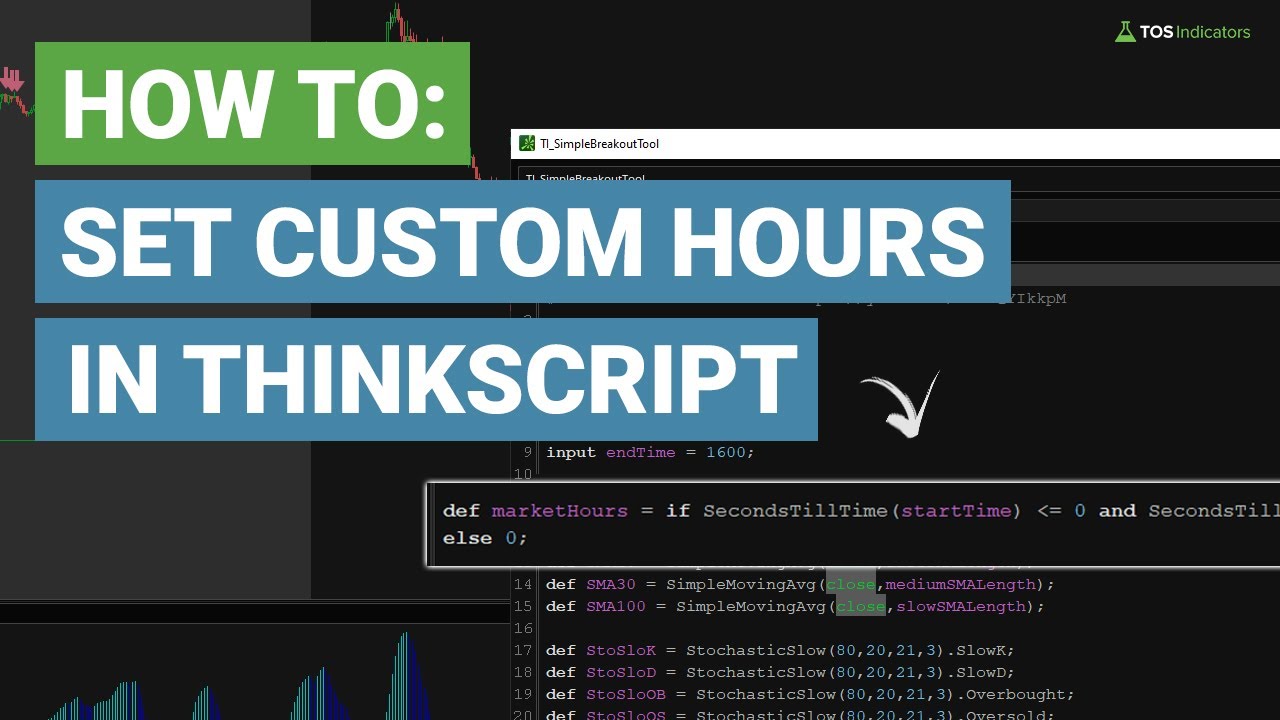
Work with GetTime(), RegularTradingStart(), and date functions.
Labels & Bubbles
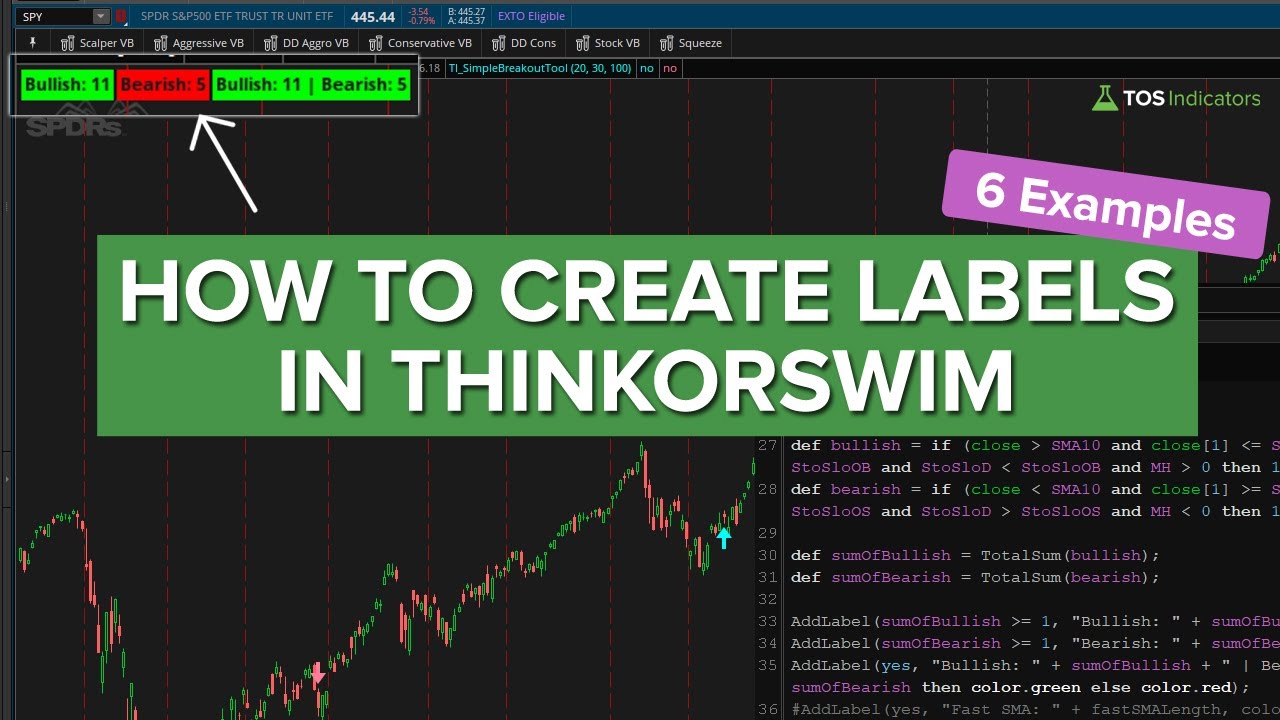
Add visual annotations with AddLabel() and AddChartBubble().
Alerts
Create custom alerts with Alert() for real-time notifications.
Strategies & Orders
Build backtesting strategies with AddOrder() commands.
Beginner thinkScript Tutorials
New to thinkScript? Start here with beginner-friendly tutorials that assume no prior coding experience.
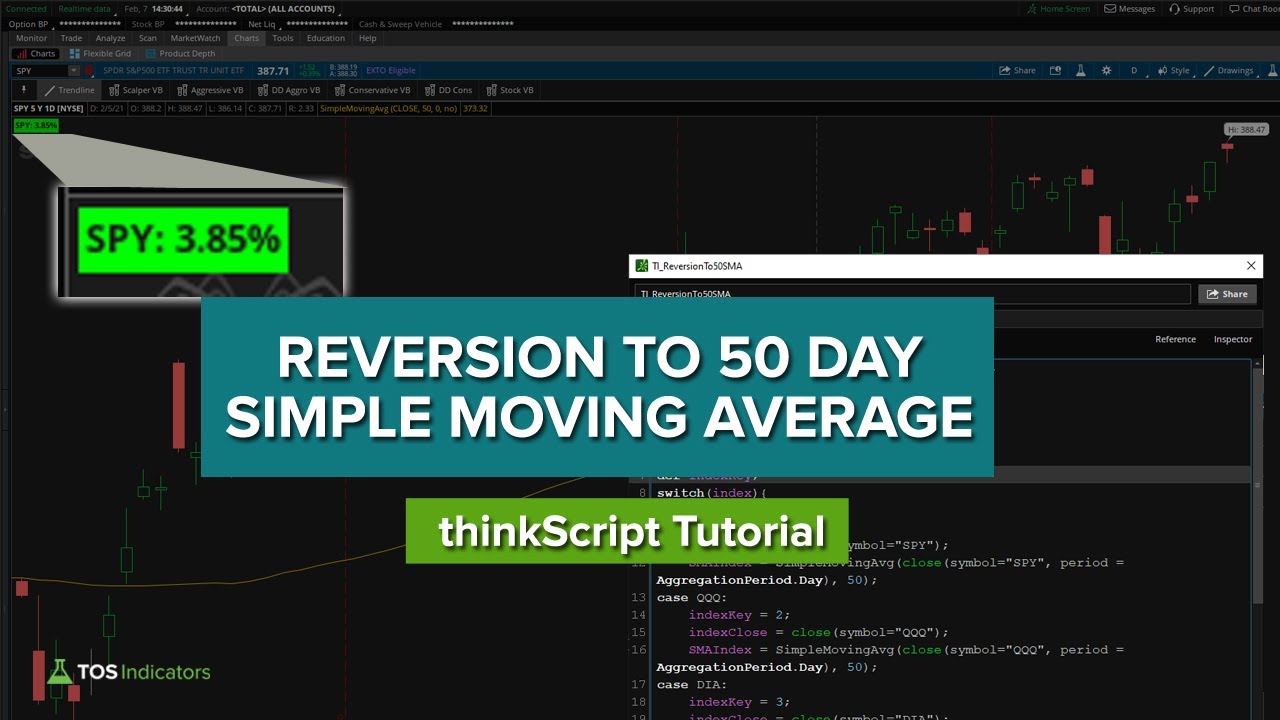
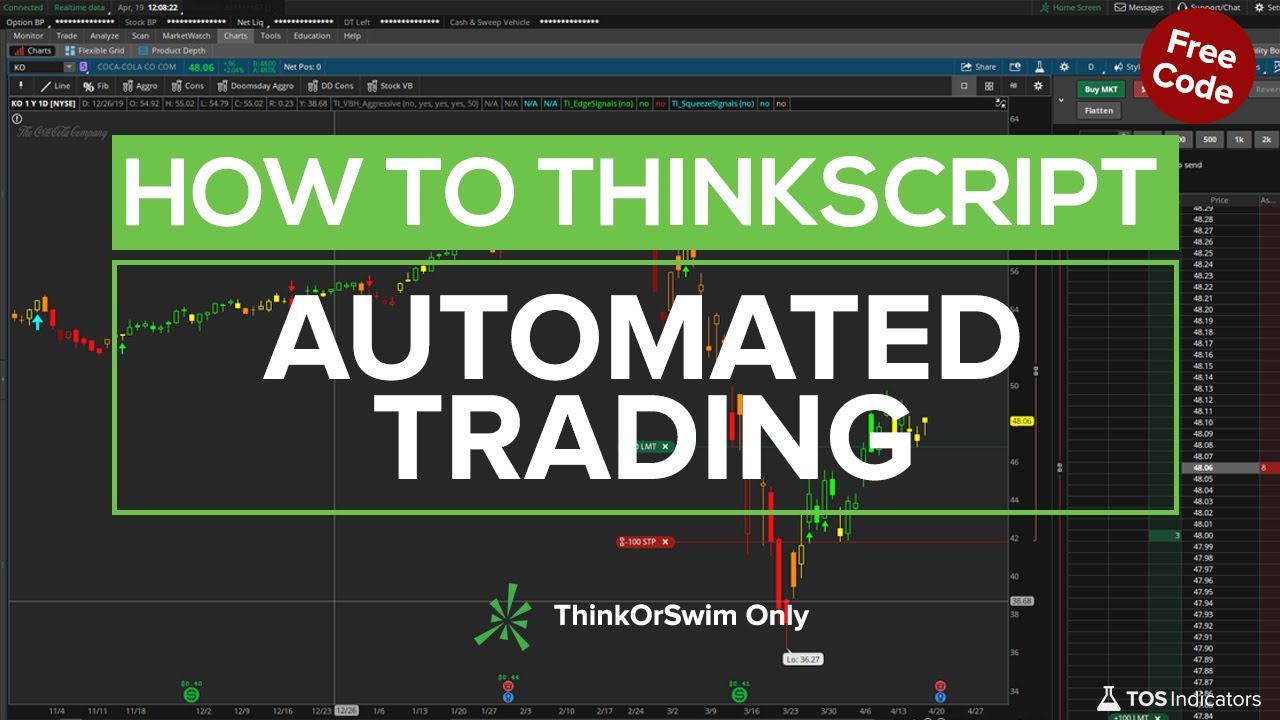
How to thinkScript Series
A complete series walking you through building real-world thinkScript projects from scratch.
Advanced thinkScript Projects
Ready for a challenge? Build complex dashboards, backtesters, and multi-timeframe tools.
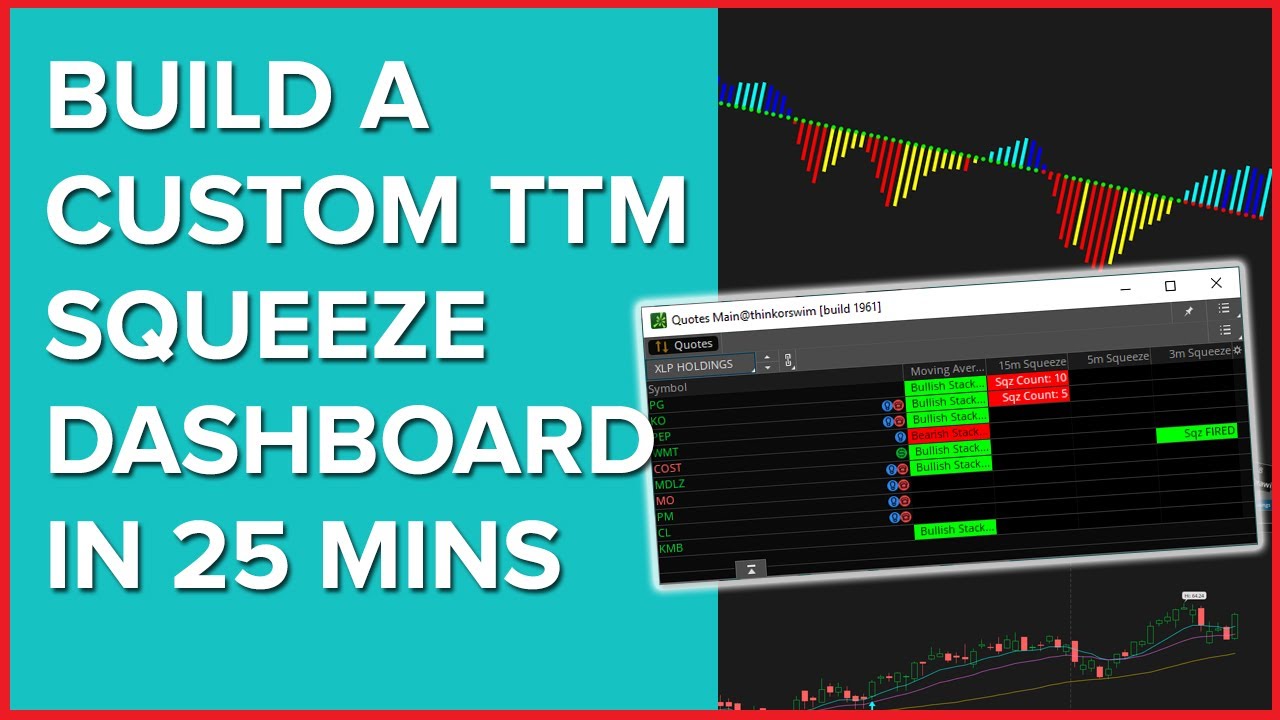

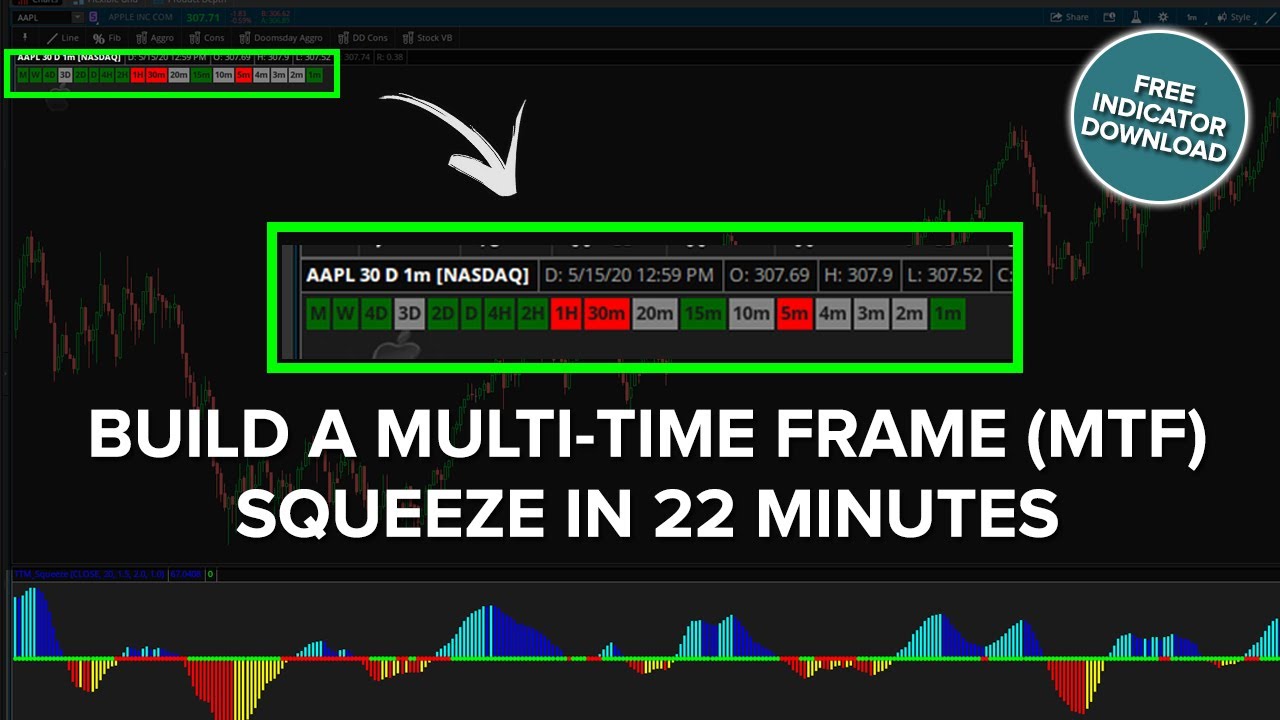
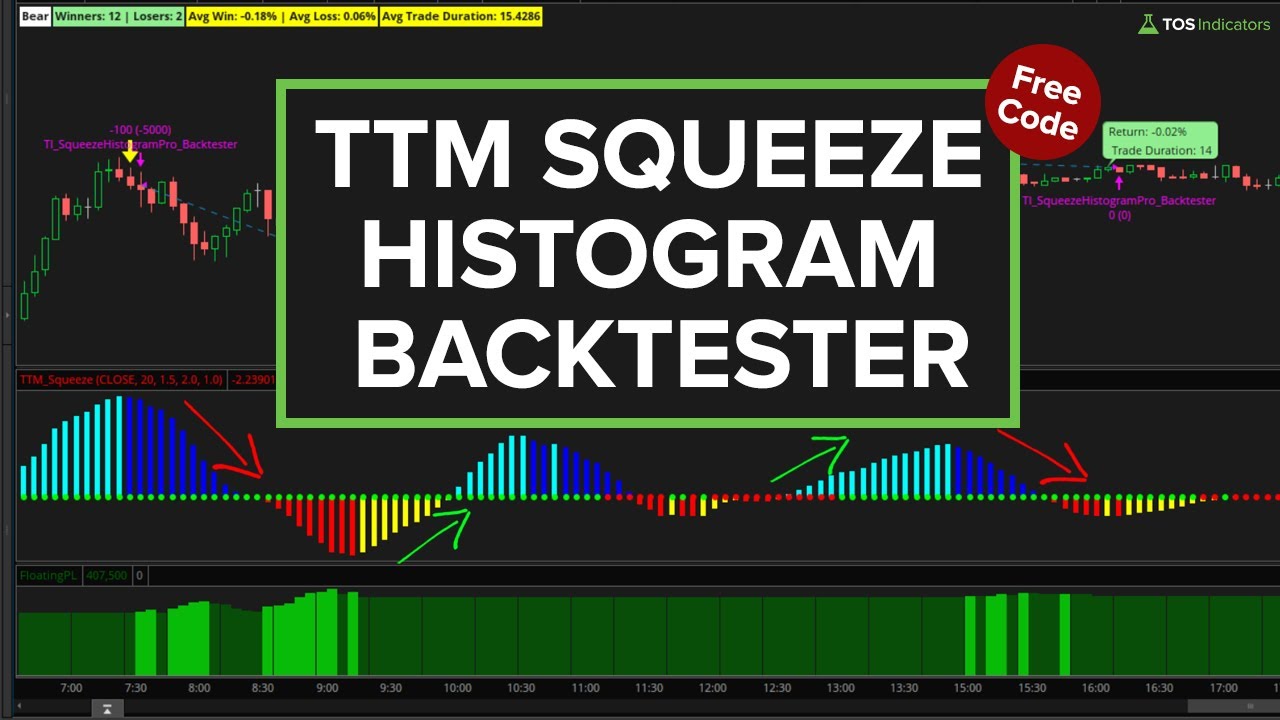
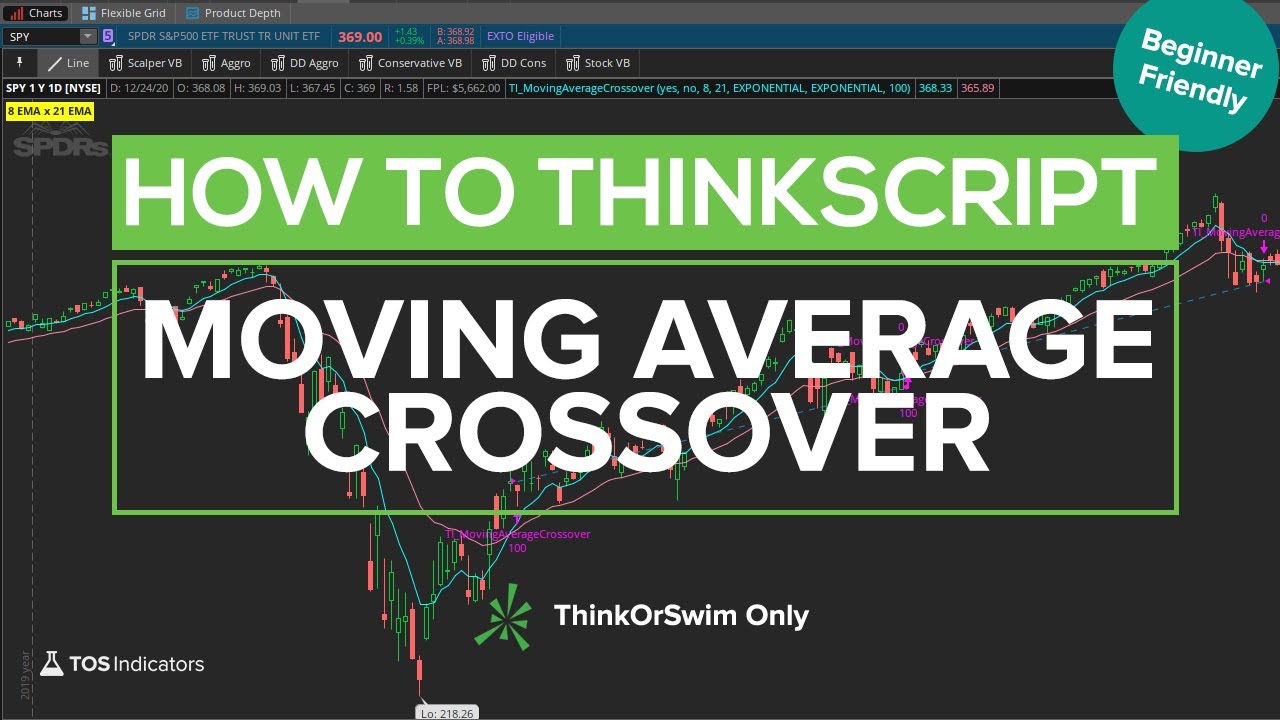
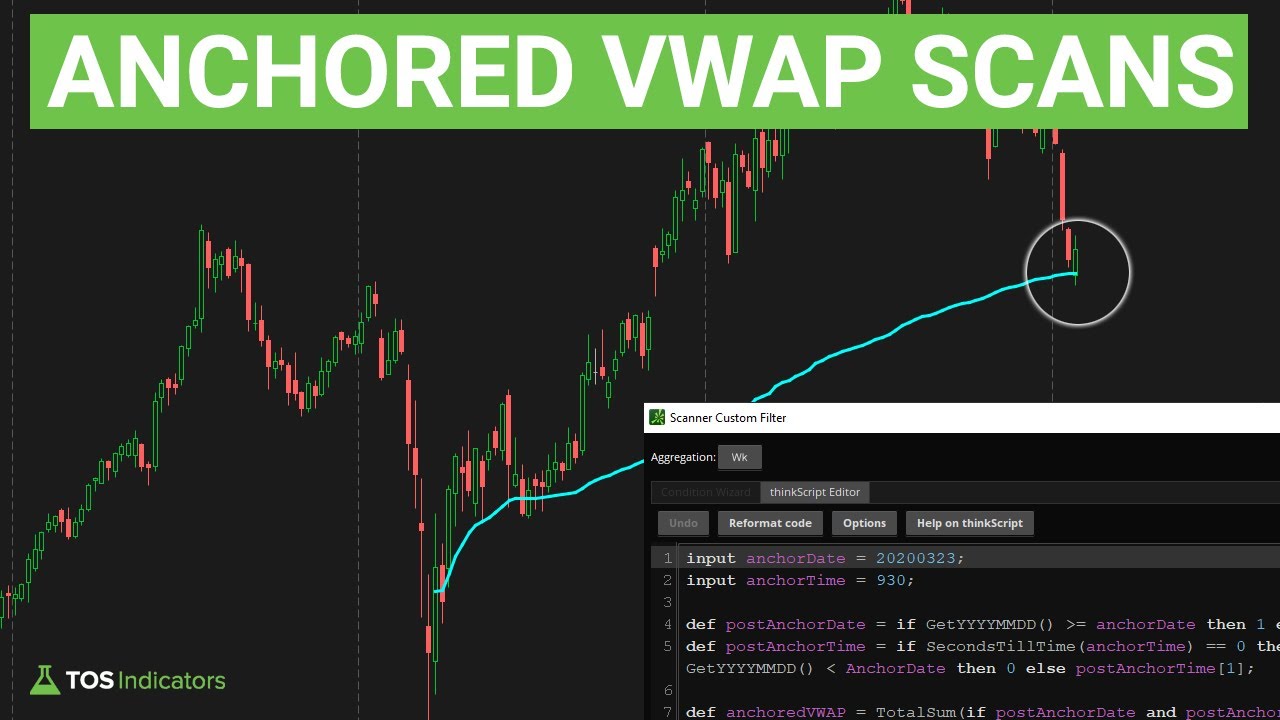
thinkScript Code Examples
Copy and paste these examples to get started quickly. Modify them to fit your trading needs.
Simple Moving Average
plot SMA = Average(close, 20);
SMA.SetDefaultColor(Color.CYAN);
Price Label
AddLabel(yes, "Close: " + close,
    if close > close[1] then Color.GREEN
    else Color.RED);
Crossover Alert
def fastMA = Average(close, 9);
def slowMA = Average(close, 21);
def crossUp = fastMA crosses above slowMA;

Alert(crossUp, "Bullish Crossover!",
    Alert.BAR, Sound.Ding);
Custom Scan
def squeeze = TTM_Squeeze().SqueezeAlert;
def firing = squeeze == 0;
def momentum = TTM_Squeeze().Histogram;

plot signal = firing and momentum > 0;
thinkScript FAQ
thinkScript is the proprietary programming language built into ThinkOrSwim (TOS). It allows you to create custom indicators, scans, strategies, and alerts. While unique to TOS, it shares similarities with other programming languages and is designed specifically for technical analysis and trading.
No prior programming experience is required. thinkScript is designed to be accessible to traders. Start with simple modifications to existing scripts, learn the basic syntax, and gradually build more complex tools. Our beginner tutorials assume no coding background.
You can build custom indicators (studies), scanners to find trading opportunities, watchlist columns, backtesting strategies, alerts, and labels. Essentially, any technical analysis tool you can imagine can be built with thinkScript.
In ThinkOrSwim, go to Studies > Edit Studies > Create. This opens the thinkScript editor where you can write and test your code. You can also edit existing studies to learn from their code structure.
Start with: plot (display values), def (define variables), input (user inputs), if/then/else (conditions), Average() (moving averages), Crosses (crossover detection), and AddLabel() (text displays). These cover 80% of what most traders need.
Use square brackets with the number of bars back. For example, close[1] is yesterday's close, close[5] is 5 bars ago. You can also use functions like Highest(high, 20) to get the highest high of the last 20 bars.
ThinkOrSwim supports conditional orders that can be triggered by thinkScript conditions. While not fully automated trading, you can set up orders that execute when your custom conditions are met. Always test thoroughly in paper trading first.
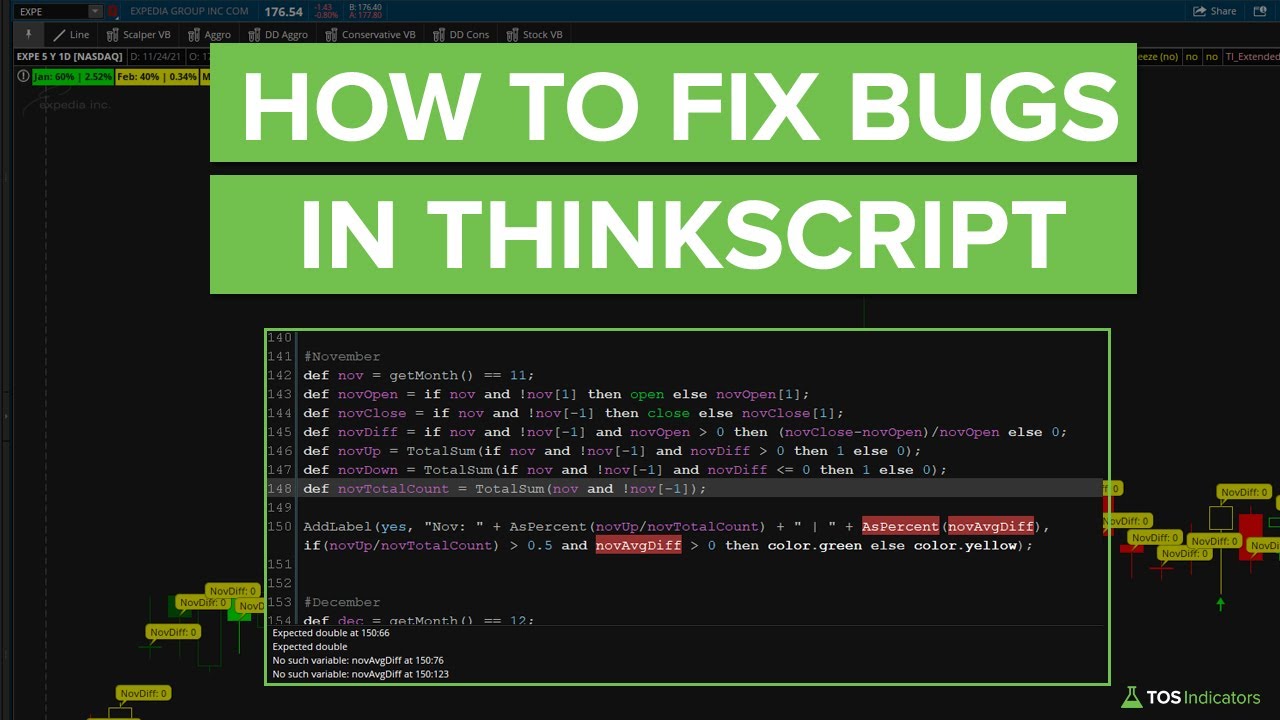
Common debugging techniques include: using AddLabel() to display variable values, checking the condition wizard for syntax errors, breaking complex code into smaller parts, and using the Show Report feature for strategies. Our debugging tutorial covers this in detail.
Yes, thinkScript code can be shared as text. Recipients can paste it into their ThinkOrSwim platform. You can also share via ThinkOrSwim's sharing feature which creates a shareable link. All our free indicators come with the full thinkScript code.
thinkScript runs only within ThinkOrSwim and cannot access external data sources or APIs. It's limited to the data TOS provides. Complex calculations may slow down charts. For advanced backtesting with portfolio-level analysis, you may need external tools.
Take Your thinkScript Skills Further
Get advanced thinkScript tools and learn professional-level techniques with the Squeeze Course.