
ThinkOrSwim Scans
Download free custom scans for ThinkOrSwim. Find breakout stocks, squeeze setups, and momentum plays with ready-to-use thinkScript scans you can build from scratch.
Popular ThinkOrSwim Scans
These are our most-used custom scans for finding trading opportunities in ThinkOrSwim.

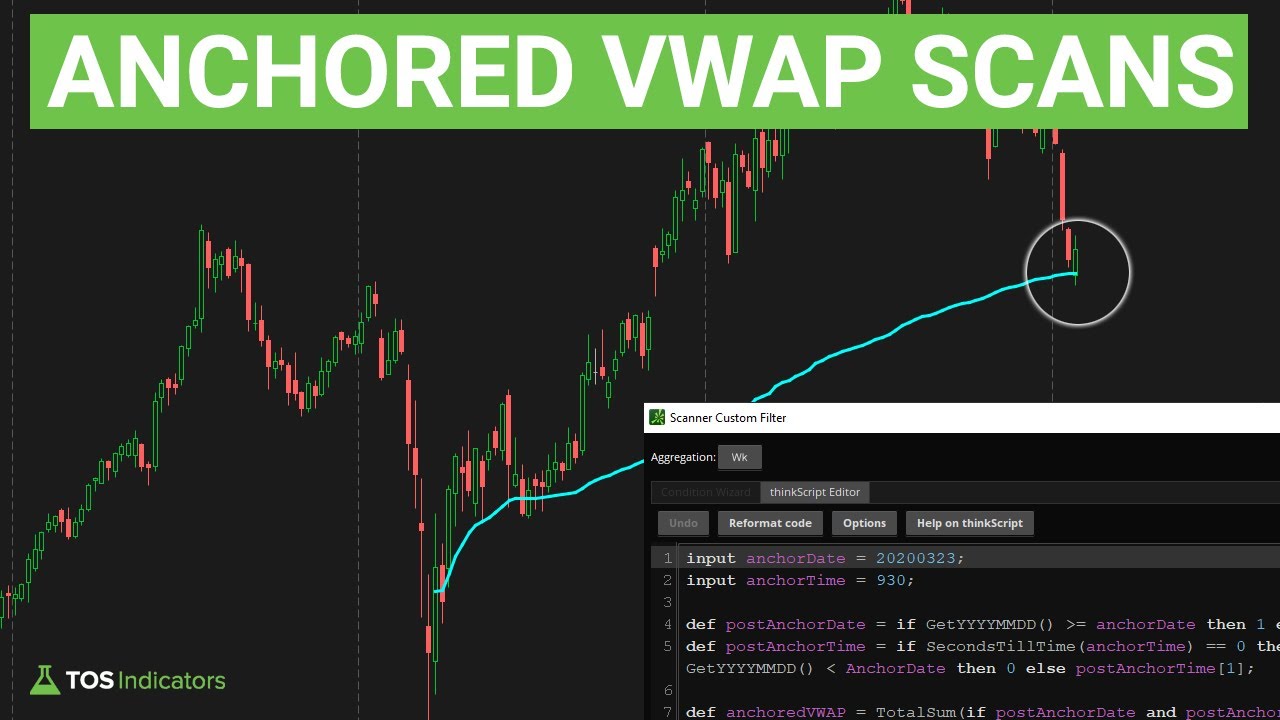
Anchored VWAP Scans
Build a scan to identify pullbacks to the Anchored VWAP from previous pivot points.
Download Free →
Average True Range
Master ThinkOrSwim ATR scans to find high-volatility candidates and compression patterns. Combine moving averages with volatility filters for precision trading setups.
Download Free → Free
Free
DMI Power Move Scans
Build powerful DMI-based scanners that detect explosive momentum shifts across multiple timeframes in ThinkOrSwim
Download Free →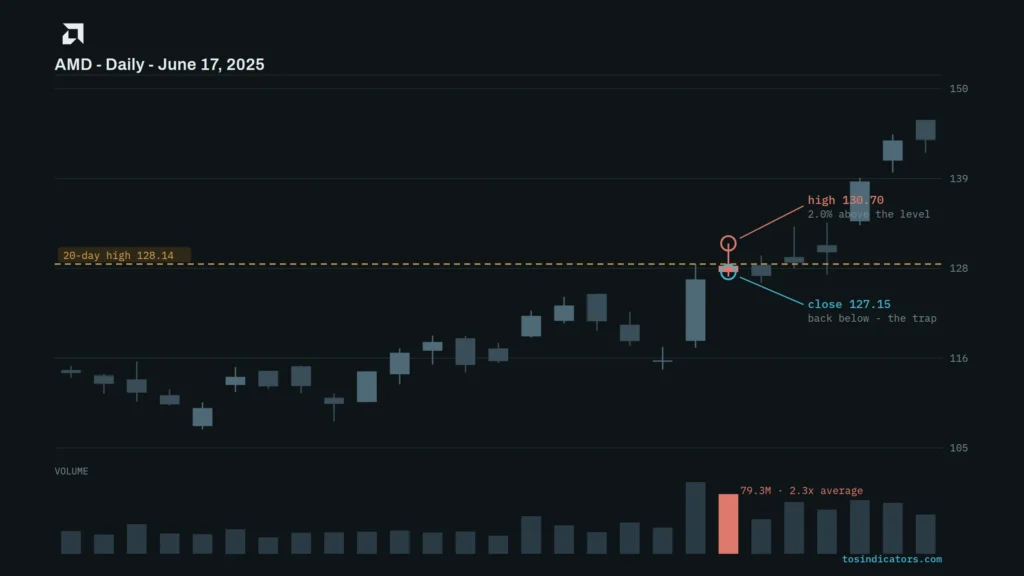 Free
Free
False Breakout Scanner for ThinkorSwim (Free Scan Pair)
Download our False Breakout Scanner for ThinkOrSwim. Two free scans that find failed breakouts and failed breakdowns on above-average volume, plus the False Breakdown indicator, delivered as ThinkorSwim share links you can import directly.
Download Free →
Fisher Transformer
Master the FW Fisher Transformer indicator in ThinkOrSwim with 3 actionable scans. Learn trend reversal signals using stochastics, stacked arrows, and EMA/Market Pulse integration.
Download Free →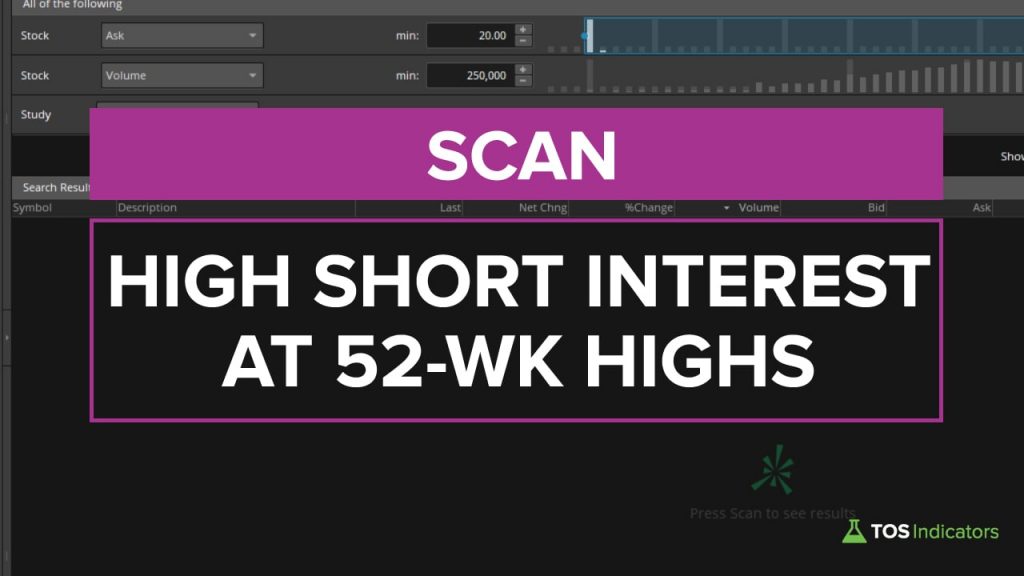 Free
Free
High Short Interest Near 52 Week Highs (thinkScript)
Master the High Short Interest Near 52 Week Highs (thinkScript) to spot high-probability trades, and transform your trading with proven strategies.
Download Free →All ThinkOrSwim Scans
Browse our complete library of custom ThinkOrSwim scans with thinkScript code included.
Scans 18 scans
Anchored VWAP Scans
Build a scan to identify pullbacks to the Anchored VWAP from previous pivot points.
Average True Range
Master ThinkOrSwim ATR scans to find high-volatility candidates and compression patterns. Combine moving averages with volatility filters for precision trading setups.
DMI Power Move Scans
Build powerful DMI-based scanners that detect explosive momentum shifts across multiple timeframes in ThinkOrSwim
False Breakout Scanner for ThinkorSwim (Free Scan Pair)
Download our False Breakout Scanner for ThinkOrSwim. Two free scans that find failed breakouts and failed breakdowns on above-average volume, plus the False Breakdown indicator, delivered as ThinkorSwim share links you can import directly.
Fisher Transformer
Master the FW Fisher Transformer indicator in ThinkOrSwim with 3 actionable scans. Learn trend reversal signals using stochastics, stacked arrows, and EMA/Market Pulse integration.
High Short Interest Near 52 Week Highs (thinkScript)
Master the High Short Interest Near 52 Week Highs (thinkScript) to spot high-probability trades, and transform your trading with proven strategies.
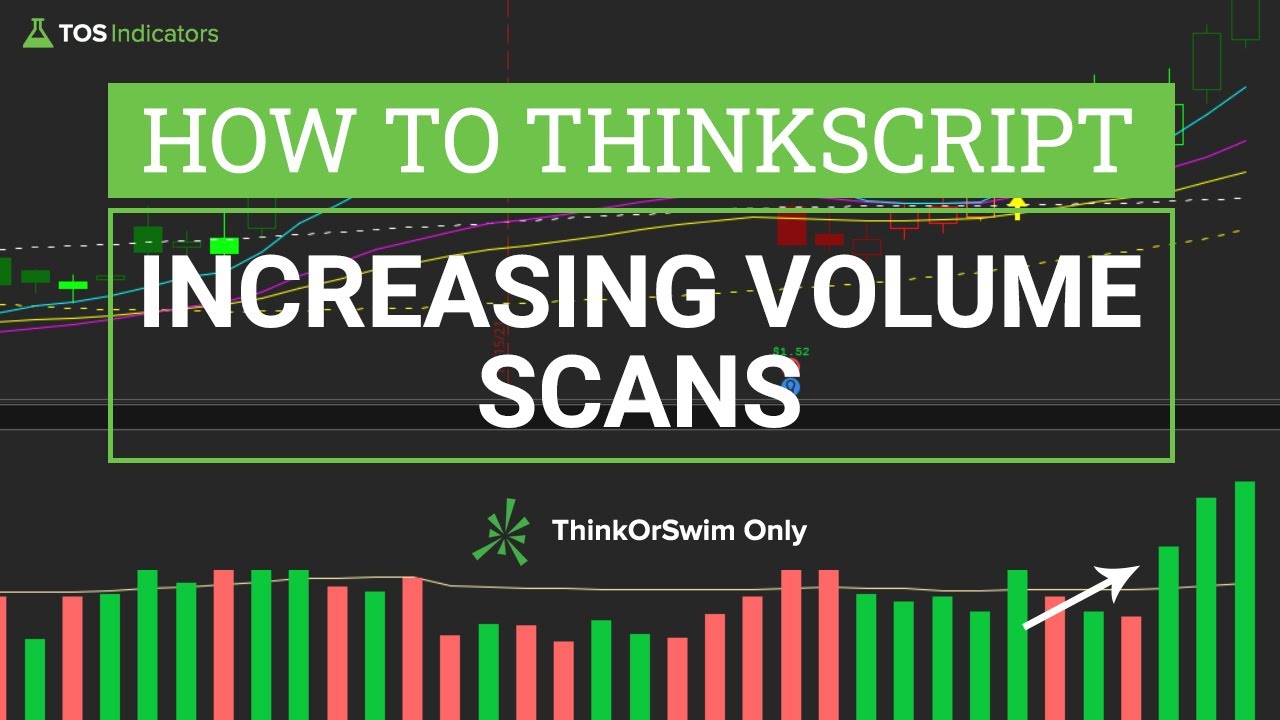
Increasing Volume
Master the Increasing Volume to spot high-probability trades, and transform your trading with proven strategies.
MACD Crossover Near Zero Line
Master MACD zero-line crossovers for trend reversals. Learn ThinkOrSwim implementation to spot high-probability entries with this momentum strategy.
Monthly Watchlist Scan
Master the Monthly Watchlist Scan to spot high-probability trades, and transform your trading with proven strategies.
Rate of Change Scans
Learn to create custom Rate of Change scans in ThinkOrSwim for bullish/bearish signals and extreme zones. Master scan setup, timeframe optimization, and historical data alignment.
Simple Breakout Tool Scans Pro
Master price breakouts with automated scans combining volume spikes and volatility thresholds. Optimize entries/exits using customizable alerts for stocks like TSLA and SPY.
Stacked Moving Averages
Learn how to scan stocks based on moving averages, identifying the strongest trends with stacked moving averages.
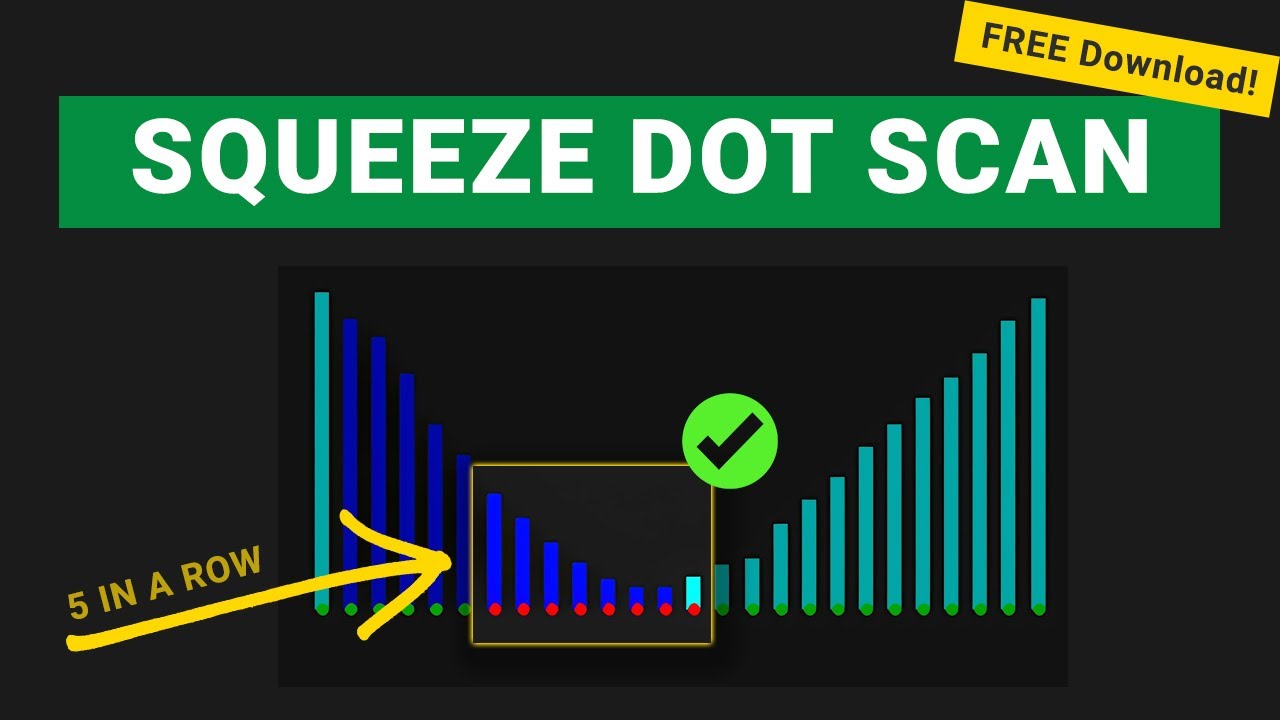
TTM Squeeze Scanner
Build a TTM Squeeze scanner to find 5 consecutive dots in a row with stacked moving averages. Free ThinkOrSwim code and step-by-step tutorial for explosive breakout setups.
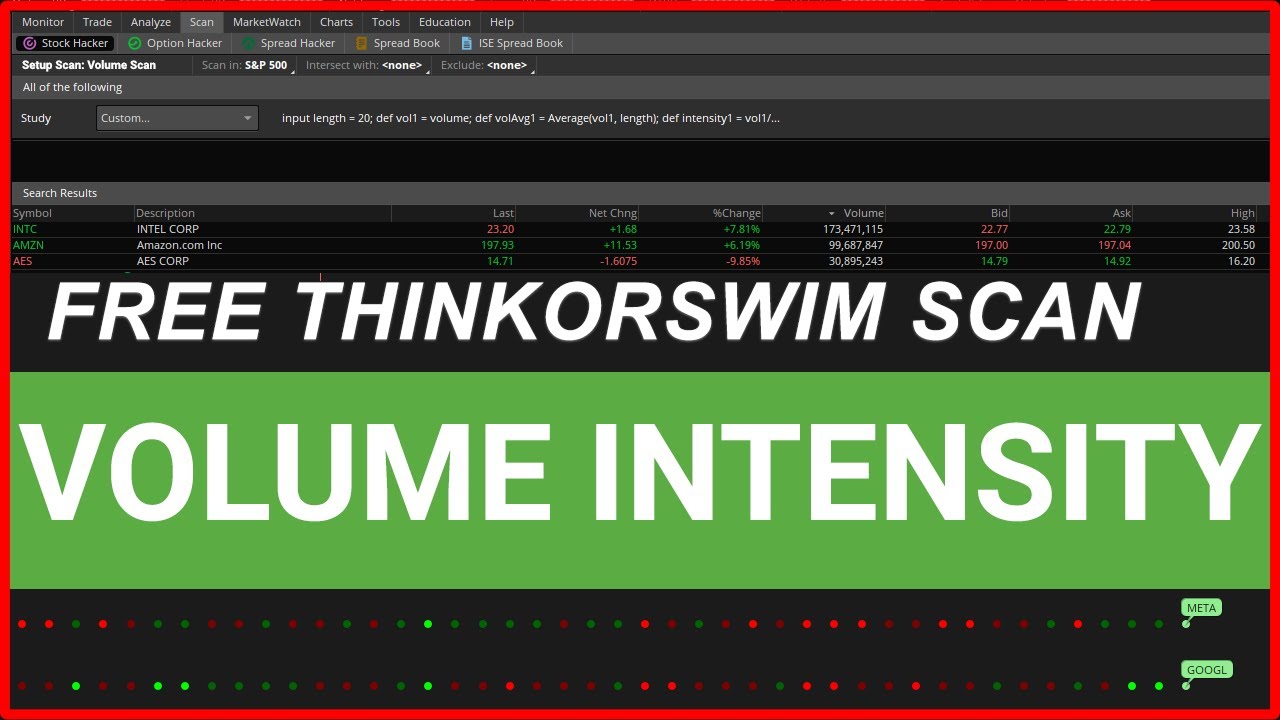
Unusual Volume
Learn how to build a powerful volume scanner and stock screener for ThinkOrSwim
Unusual Volume Pro Scans Pro
4 additional scans to find unusual volume overlapping with key indicators, such as the TTM Squeeze and VWAP.
Upcoming Earnings Scan
Master the Upcoming Earnings Scan to spot high-probability trades, and transform your trading with proven strategies.
Upcoming Earnings with High Short Interest
Learn to scan for high short interest stocks approaching earnings near all-time highs. Combine technical filters with fundamental data for explosive price movement setups.
V-Score Scans
Master V-Score scans for mean reversion trading on ThinkOrSwim. Identify bullish/bearish signals using z-score distance from VWAP with custom filters.
Squeeze Course Scans 3 scans
How to Build ThinkOrSwim Scans
Learn how to build custom scans from scratch using thinkScript with these step-by-step tutorials.
ThinkOrSwim Scans FAQ
To create a custom scan in ThinkOrSwim, go to Scan and add study filters based on indicators, price, volume, or custom thinkScript code. You can combine multiple filters with AND/OR logic. Our tutorials show you how to build scans from scratch using thinkScript for maximum flexibility.
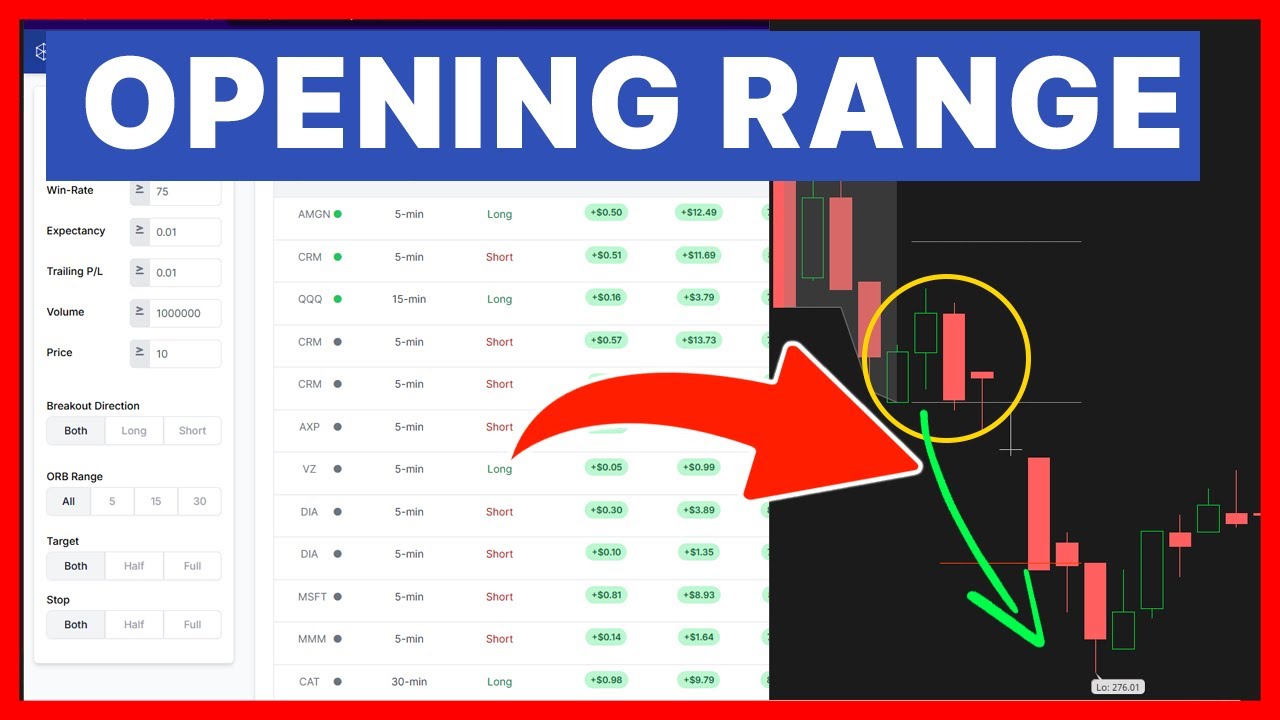
For breakout stocks, use scans that detect price breaking above resistance levels, volume spikes, or squeeze conditions firing. The Opening Range Breakout scan finds stocks breaking their morning range. TTM Squeeze scans find consolidation patterns ready to expand.
Build a thinkScript scan that checks for the squeeze condition (Bollinger Bands inside Keltner Channels) combined with momentum direction. Our free TTM Squeeze Dots scan detects 5+ consecutive squeeze dots, signaling a setup ready to fire. Watch our tutorials to learn how to build this from scratch.
Yes, ThinkOrSwim allows scanning on different aggregation periods. You can run separate scans for daily, weekly, or intraday timeframes. For multi-timeframe alignment, use our MTF Squeeze scan which checks conditions across multiple timeframes simultaneously.
To save a scan, click the floppy disk icon and give it a name. To share, right-click your saved scan and select "Share." This generates a link others can use to import your scan. Our free scans include share links for one-click installation.
thinkScript is the programming language built into ThinkOrSwim. It lets you create custom indicators, strategies, and scans. By writing thinkScript, you can build scans that detect any condition you can define, giving you complete control over your scanning criteria.
ThinkOrSwim can scan thousands of stocks at once using predefined lists like S&P 500, Russell 2000, or custom watchlists. For best performance, narrow your scan universe and use efficient filter conditions. Complex scans on large universes may timeout.
Yes, you can set alerts in ThinkOrSwim based on scan conditions. Use the Alert system to notify you when stocks meet your criteria. You can receive alerts via popup, sound, email, or mobile notification when new stocks appear in your scan results.
Get Pro ThinkOrSwim Scans
Unlock advanced scans and course-exclusive scanning tools with the Squeeze Course.