
 Fair Value Gap
 False Breakout Scanner
 Heiken Ashi Trend
 Stock Volatility Box
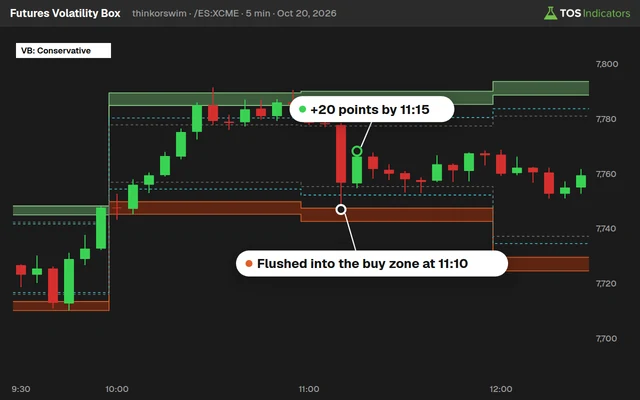 Futures Volatility Box
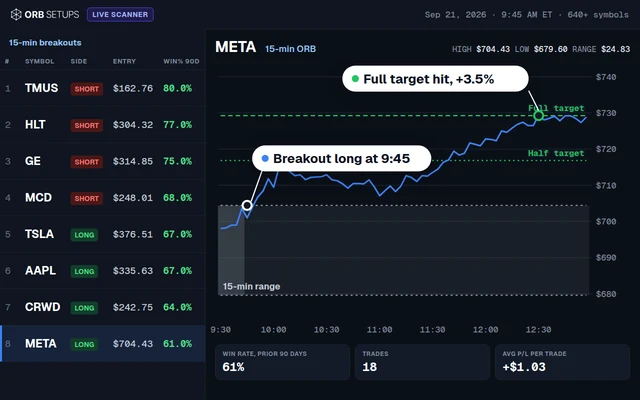 ORB Setups
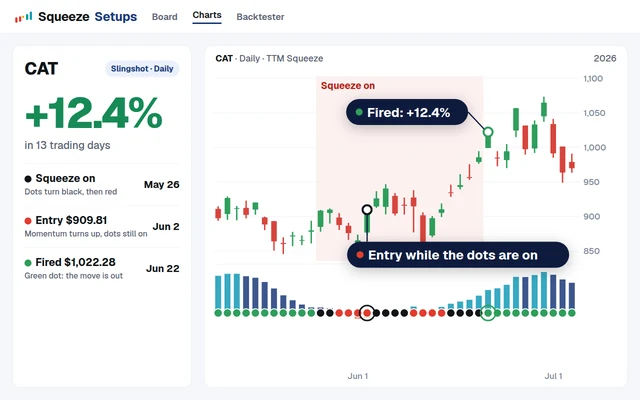 Squeeze Setups
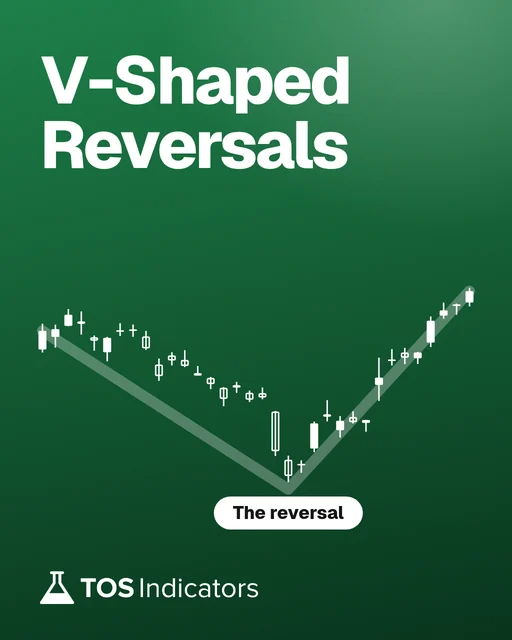
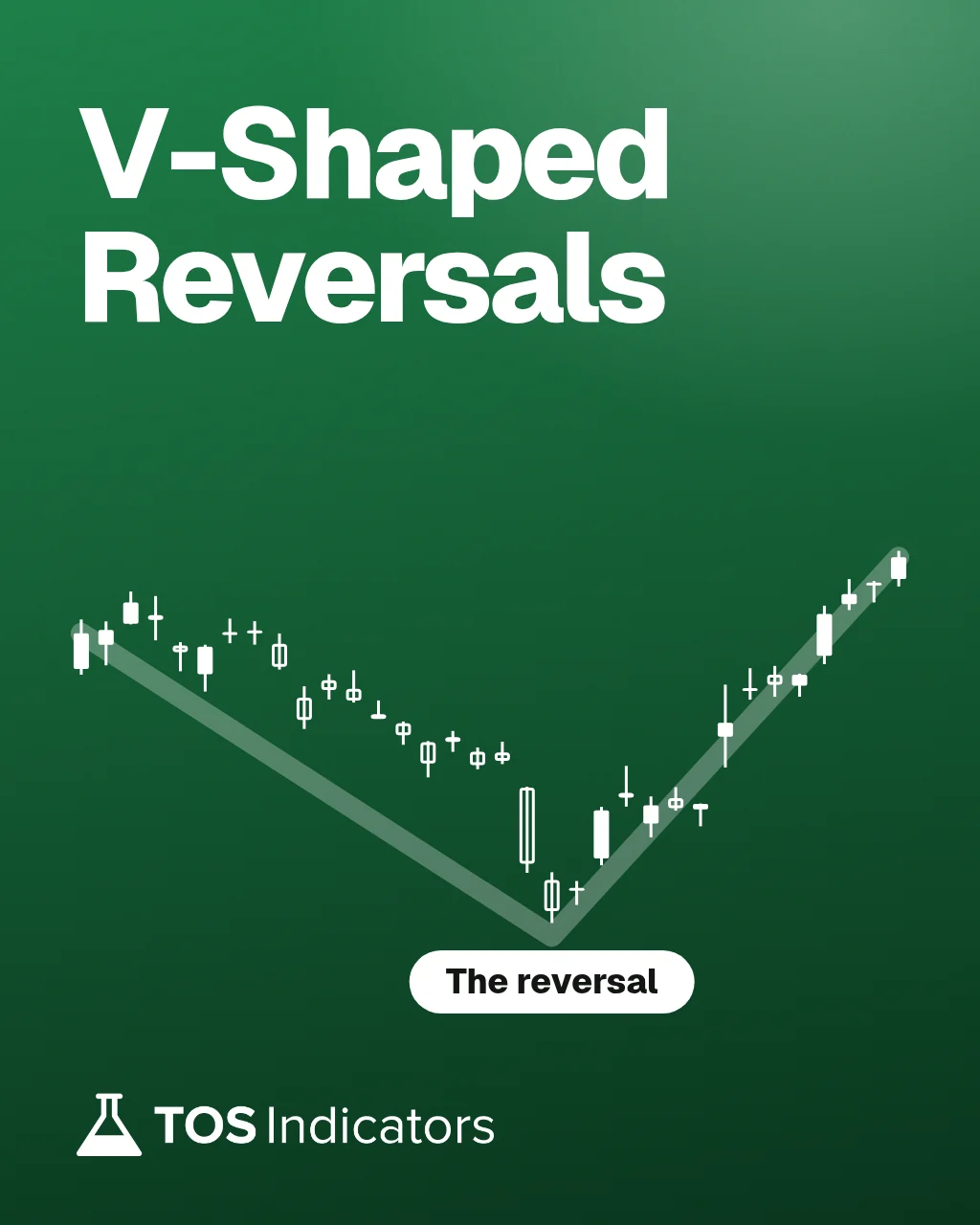
V-Shaped Reversals
A complete breakdown of one trade setup: the rules for entry, stop and targets, the chart settings, and worked examples, with the ThinkOrSwim workspace to follow along.
What you'll learn
- The rules for this setup, with an entry, stop and target checklist
- The chart pattern that marks a momentum reversal, down to the candle
- How to set up alerts and automated triggers to enter trades
- Where to place stops and targets so the reward is larger than the risk
- A one-monitor workspace that fits on a laptop
Modules
7 modules, 52 min in all, all free with an account.
- 015 min
Introduction
What the course covers, and where to download the workspace and indicators.
- 028 min
Setup Overview
The logic of the setup, with an example trade.
- 038 min
Entry Criteria
The entry checklist and rules used for every trade.
- 043 min
Stop Loss
Where to place the stop for day trades and swing trades.
- 057 min
Target Zones
The first and second target zones.
- 069 min
Chart Settings
The workspace and chart layout for this setup.
- 0712 min
Chart Examples
Several examples of the setup, so you learn to spot it.
Course files
Presentation PDF
The slides from the course, with the setup rules.
Trade checklist PDF
The entry, stop and target checklist to keep next to your charts.
ThinkOrSwim workspace
The full workspace with every chart setting and indicator, ready to import.
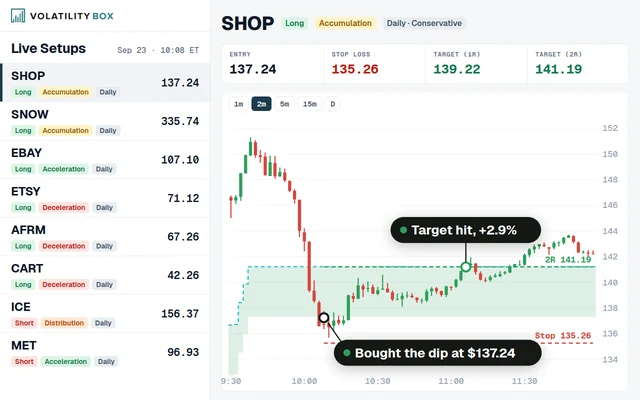
The setup uses Stock Volatility Box zones
Stock Volatility Box members can pair the setup with the live scanner, which lists the stocks and ETFs at a volatility zone as price reaches it.
Free tools that go with it
Free indicators for spotting reversals, and Market Pulse for the trend behind them.
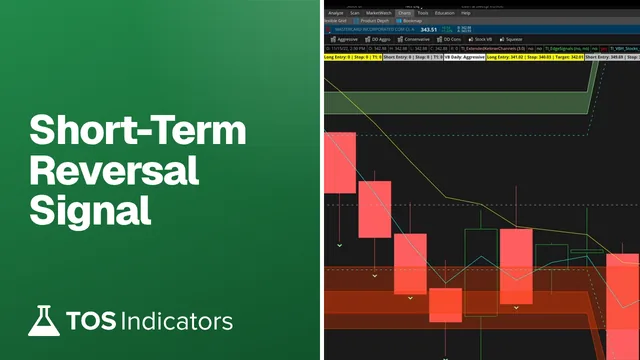 Simple Momentum Signal for Short-Term Reversals
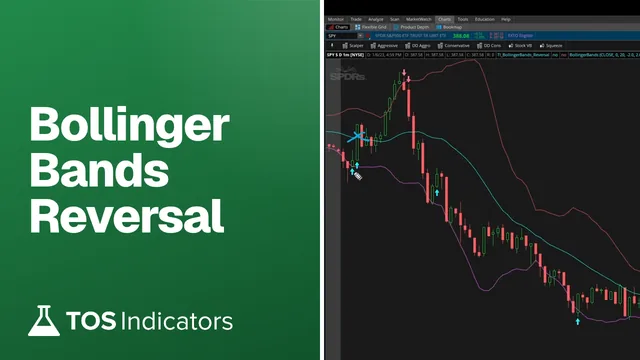 Bollinger Bands Reversal
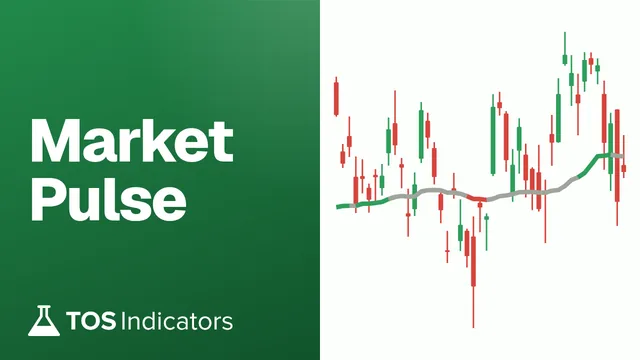 Market Pulse
Questions
What is the V-Shaped Reversal setup?
A setup for momentum reversals at set price levels, with checklists for the entry, the stop and the targets.
Is this course for beginners?
It is written for intermediate traders who know basic chart patterns and ThinkOrSwim. The step-by-step videos make it workable for a beginner willing to put in the time.
Can I automate the entries?
Yes. The course covers alerts and automated triggers for entering trades.
What timeframes does it use?
Both intraday and swing timeframes. The course covers the settings for each.
How do I practice it first?
Use paperMoney in ThinkOrSwim. The workspace and indicators work the same in paper trading.
Other courses
Start V-Shaped Reversals free
A free account opens every free course and free indicator, and gets one email on Sundays with the week's new tool.
No credit card. Unsubscribe anytime.