
 False Breakout Scanner
 Stock Volatility Box
 Futures Volatility Box
 ORB Setups
 Squeeze Setups
Cumulative TICK Pro Indicator for ThinkorSwim: Trend Day and Exhaustion Levels
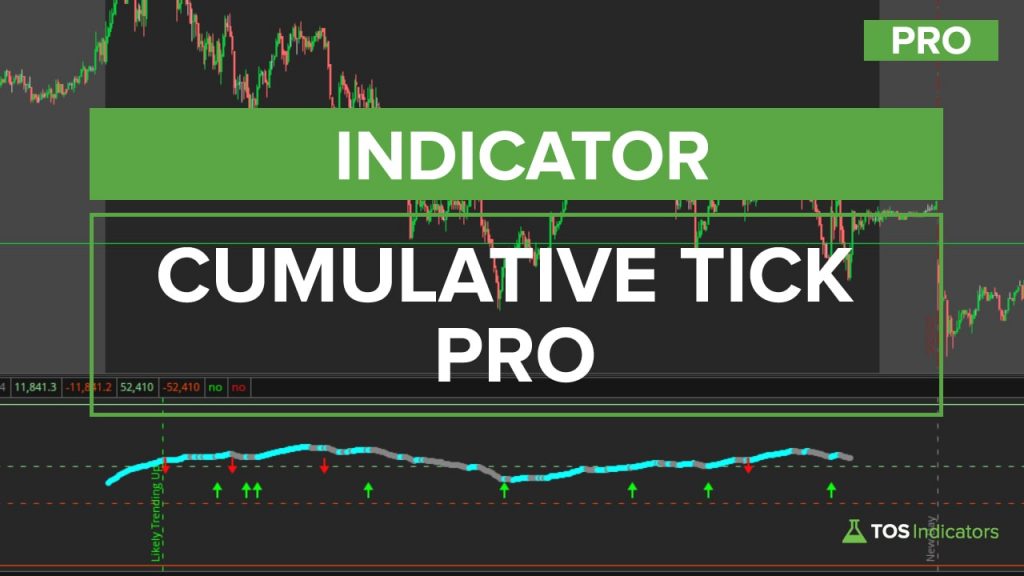
Our Cumulative TICK Pro for ThinkorSwim reads the right TICK for SPY, QQQ, DIA or IWM and flags likely trend days at 10:00 and trend exhaustion at 3:55.
On this page
What it does
The Cumulative TICK Pro is the members' version of our free cumulative TICK indicator for ThinkorSwim, and in this 74-minute video I build it in 3 parts. Part 1 makes the indicator read the right TICK for the chart you're on. Part 2 adds Edge Signals arrows that only print when the cumulative TICK line turns.
In part 3, I use 90 days of cumulative TICK readings and a Python notebook to work out what an extreme cumulative TICK reading looks like at 10:00 Eastern and at the close. Those levels become lines that mark likely trend days in the morning and likely trend exhaustion into the close. It's for Volatility Box members who trade SPY, QQQ, DIA, IWM or the index futures on intraday charts.
Included with Volatility Box and the Bundle
The full walkthrough, the thinkScript code, the download and the build video for Cumulative TICK Pro Indicator for ThinkorSwim: Trend Day and Exhaustion Levels are for Volatility Box and Bundle members, along with every other members-only tool and the Squeeze Course.
Questions
What is the Cumulative TICK Pro indicator?
The Cumulative TICK Pro is the members' version of our free Cumulative TICK indicator for ThinkorSwim. It keeps the running TICK total, switches to the Nasdaq, Dow or Russell TICK to match the chart, adds Edge Signals arrows, and marks extreme levels for likely trend days at 10:00 Eastern and likely trend exhaustion at 3:55.
How do I add the Cumulative TICK Pro to ThinkorSwim?
Download the zip on this page, which holds one file, TI_CumulativeTICK_ProSTUDY.ts, and import it as a study. Our import tutorial shows the steps. Add it to an intraday chart of SPY, QQQ, DIA, IWM or the index futures, where it plots in a lower panel. I use it on 1, 3 and 5-minute charts.
Which TICK does the Cumulative TICK Pro use for QQQ, DIA and IWM?
The Cumulative TICK Pro uses $TICK/Q, the Nasdaq TICK, on /NQ, /MNQ and QQQ. It uses $TIKI, the Dow TICK, on /YM, /MYM and DIA, and $TIKRL, the Russell TICK, on /RTY, /M2K and IWM. Every other symbol, including SPY, uses the NYSE $TICK.
What does Likely Trending Up mean on the Cumulative TICK Pro?
A green Likely Trending Up line prints on the 10:00 Eastern bar when the cumulative TICK is at or above the dashed green extreme level. Likely Trending Down is the red version below zero. In the video, several 10:00 breaks led to a trend that way, and the strongest days kept the TICK outside the zone.
What does Likely Trend Exhaustion mean?
Likely Trend Exhaustion is the green vertical line that prints at 3:55 Eastern when the cumulative TICK is at or above the solid green end-of-day level. The red version, labeled Likely Trending Exhaustion, prints at or below the solid red level. Either one means the day's move may not continue the next session. In the video, the closes beyond the level on September 3 and September 9, 2020 were followed by next-day reversals.
How were the extreme cumulative TICK levels calculated?
I collected 90 days of NYSE cumulative TICK readings at 10:00 Eastern and at the close, back to May 6, 2020, with a chart bubble. A Jupyter notebook gave the mean, standard deviation and percentiles of each set. The 87.5th percentile worked best: 2,794.75 at 10:00 and 14,734.6 at the close, on a 5-minute chart.
Why do the extreme lines move when I change the chart timeframe?
The cumulative TICK adds one reading per bar, so a 1-minute chart ends up about 5 times higher than a 5-minute chart. The Pro version stores each level at 1-minute scale and divides it by the bar length: by 5 on a 5-minute chart, by 3 on a 3-minute chart, and so on.
How do I turn off the Edge Signals arrows or alerts?
Open the study settings and set EdgeSignalsOn to no to hide the arrows, or alertsOn to no to stop the alerts. The showEODLine and show7AMLine inputs turn off the 3:55 and 10:00 vertical lines. The horizontal extreme levels stay on the chart either way.
Related
 How to Build a Cumulative TICK Indicator in ThinkOrSwimIndicators · Beginner
 An Easy Way to Recognize Trend DaysResearch
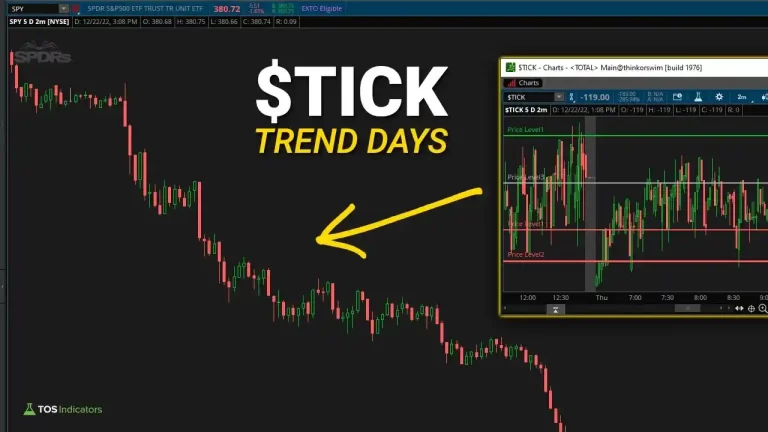 2 Ways to Use NYSE $TICK to Spot Trend DaysResearch
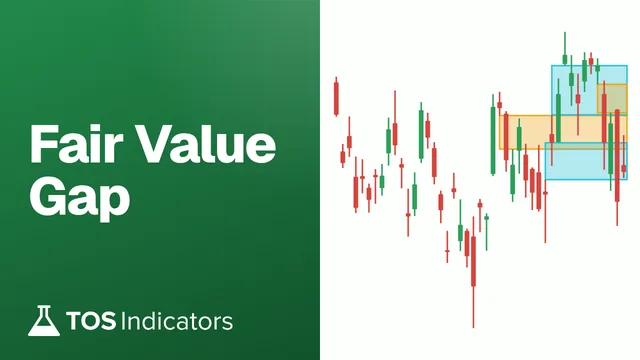 How to Build a Fair Value Gap Indicator in ThinkOrSwimIndicators · Beginner-Friendly
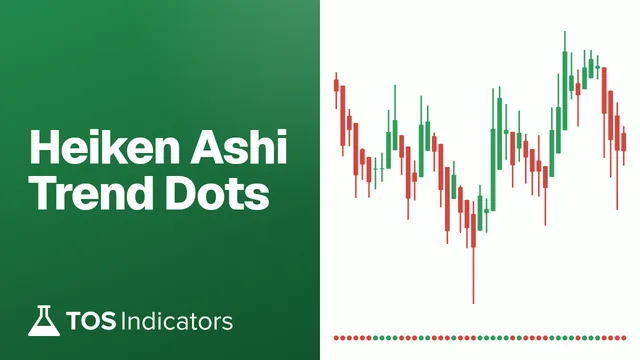 How to Build a Heiken Ashi Trend Dots Indicator in ThinkOrSwimIndicators · Beginner-Friendly
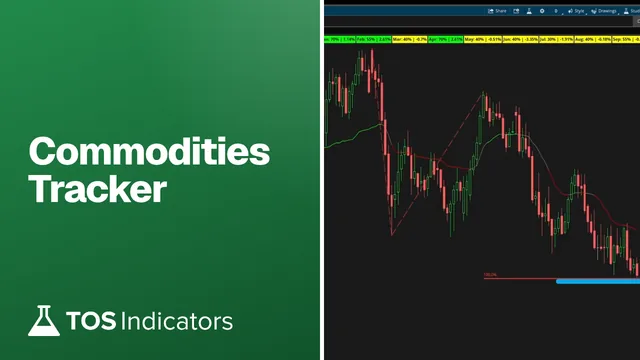 How to Build a Commodities Tracker in ThinkOrSwimIndicators · Beginner