
 Fair Value Gap
 False Breakout Scanner
 Heiken Ashi Trend
 Stock Volatility Box
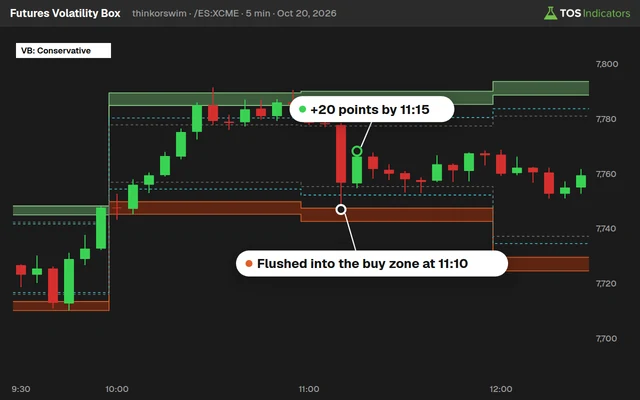 Futures Volatility Box
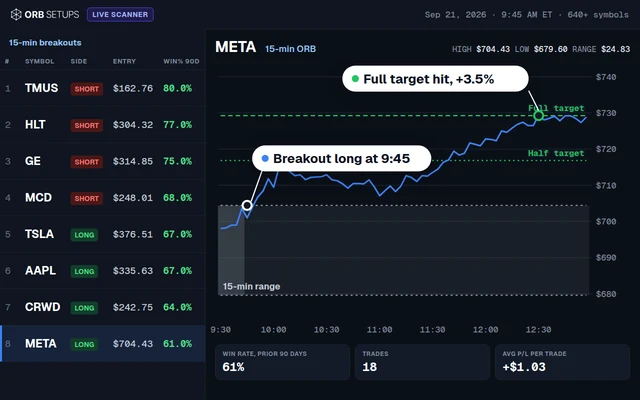 ORB Setups
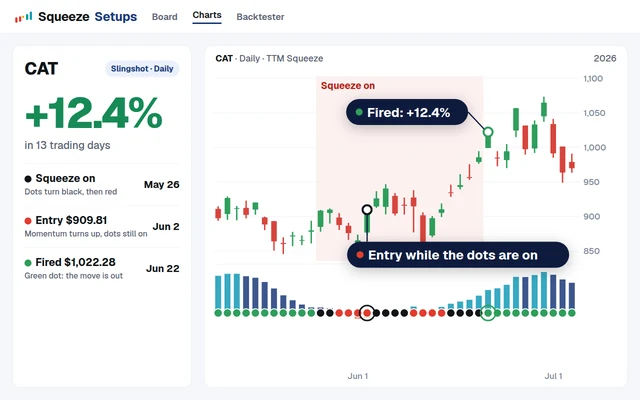 Squeeze Setups
Stock Volatility Box
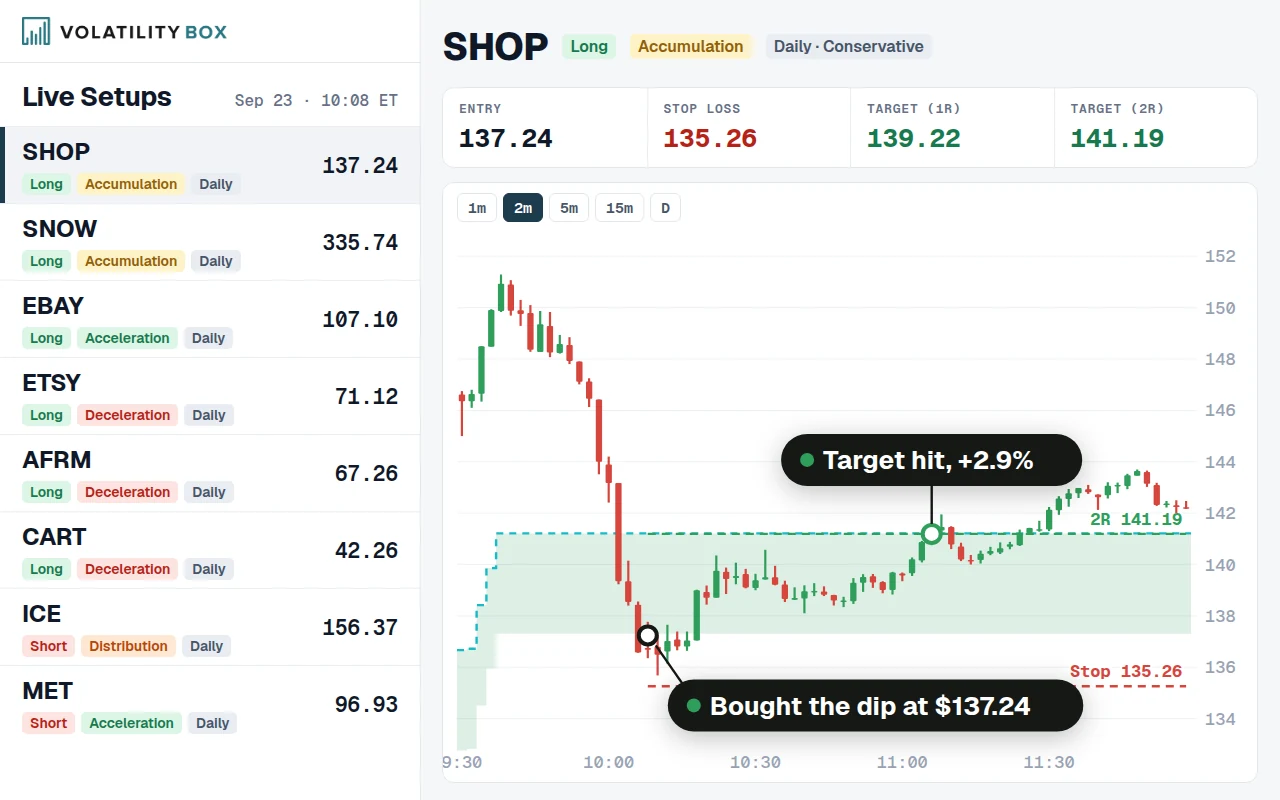
Precise entry, stop and target levels based on each stock's actual volatility. The scanner finds setups across 644 stocks and ETFs, so you can focus on execution instead of searching for trades.
$169a month, cancel anytime
What you get
- 644 stocks and ETFs, including all of the Dow 30
- Daily and hourly models, aggressive and conservative
- A live scanner that refreshes every minute
- Entry, stop and target on every setup
- A backtester for every stock and strategy
- Market Pulse trend phase on every stock
- ThinkOrSwim export of your levels in one click
- The Squeeze Course and members-only indicators
Trade smarter, not harder
Stop spending hours searching for setups. Let the scanner do the work while you focus on the trades that matter.
Never miss another setup
The scanner watches 644 stocks and ETFs every minute so you don't have to. When price hits a volatility extreme, you'll know within minutes, not hours.
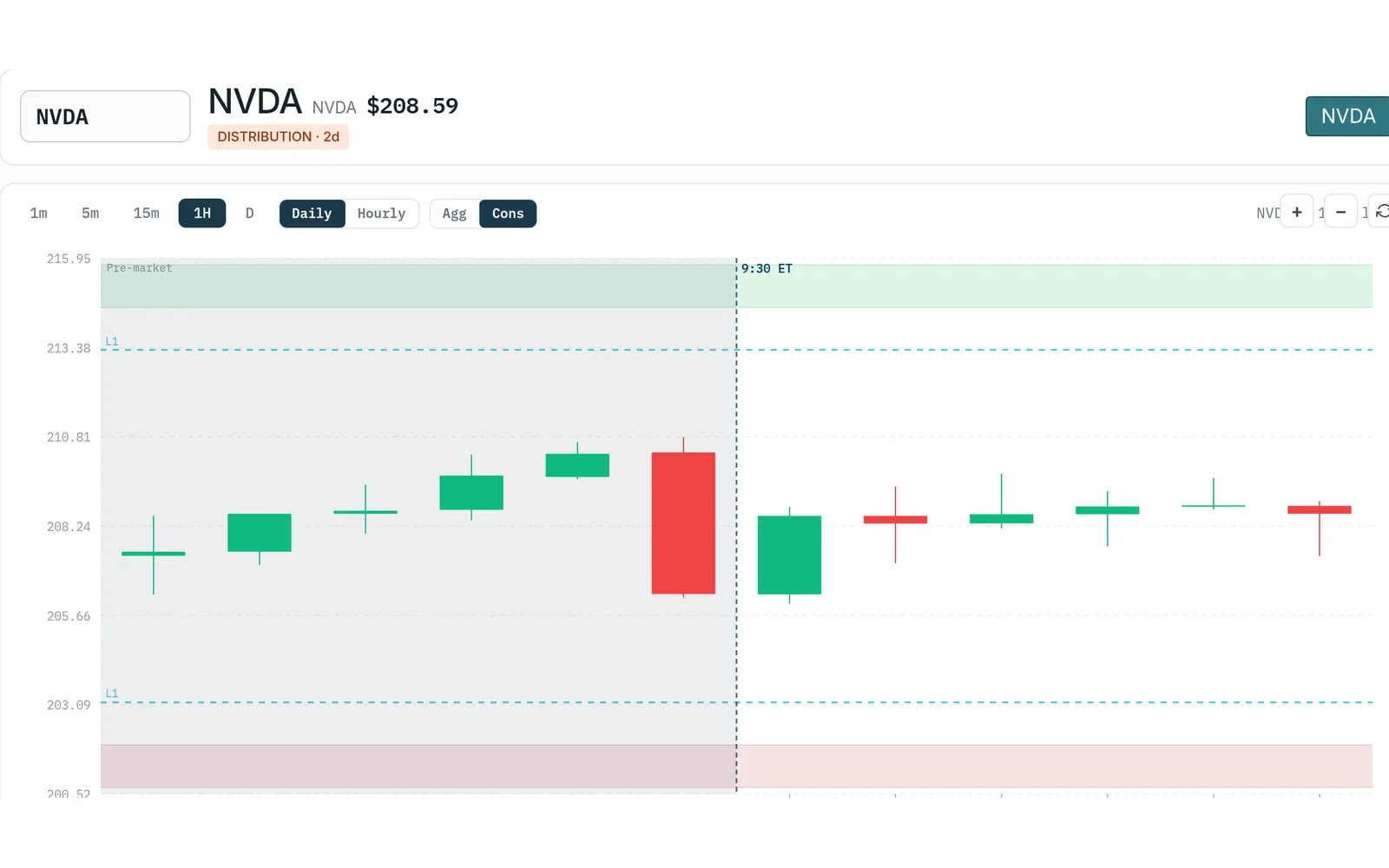
Match your trading style
Hourly models for day traders who want quick reversals. Daily models for swing traders. Choose Aggressive for more setups or Conservative for deeper, rarer levels.
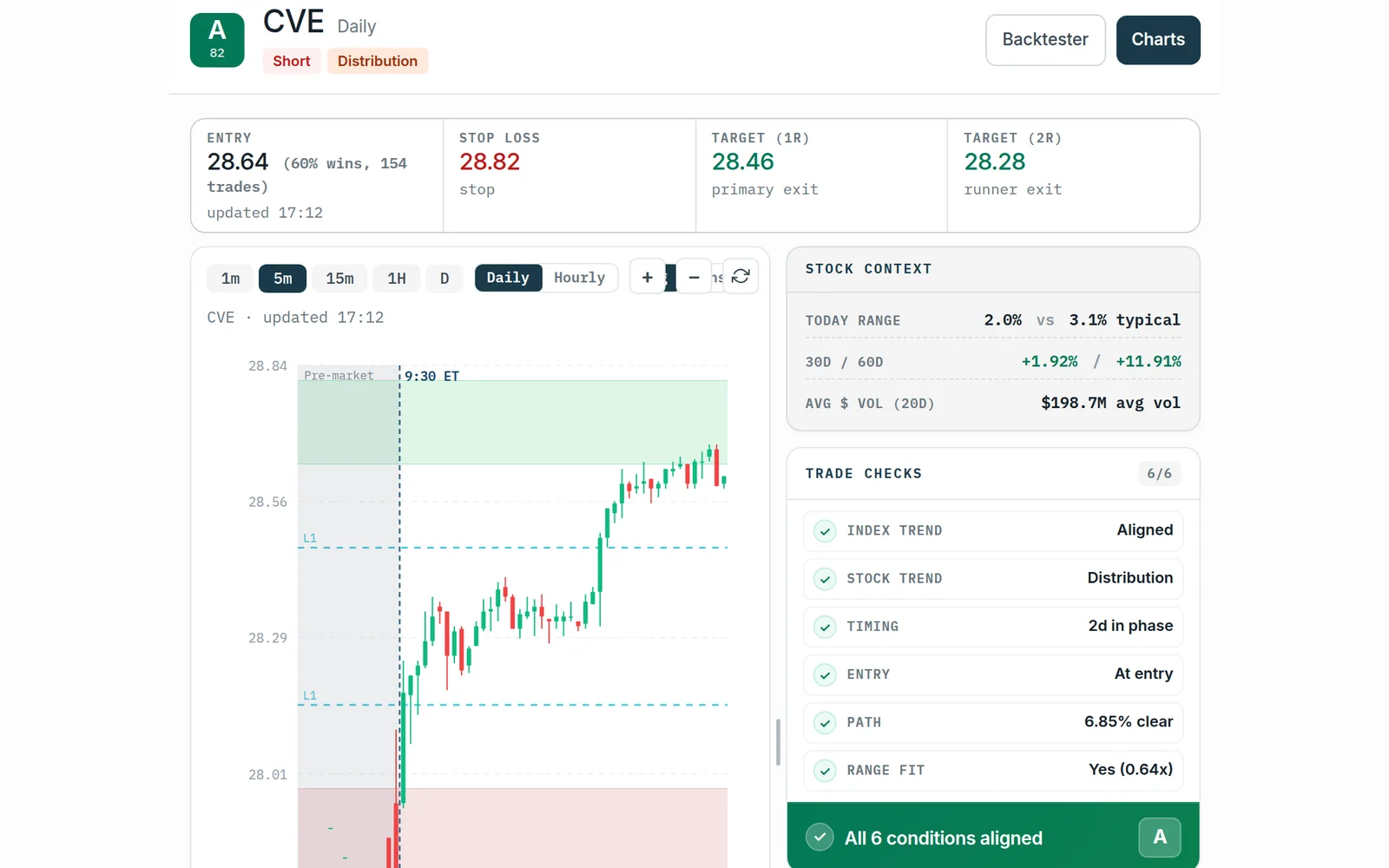
Know your risk before entry
Every setup comes with exact entry, stop and target levels, so you can size the position in seconds instead of winging it with arbitrary support lines.
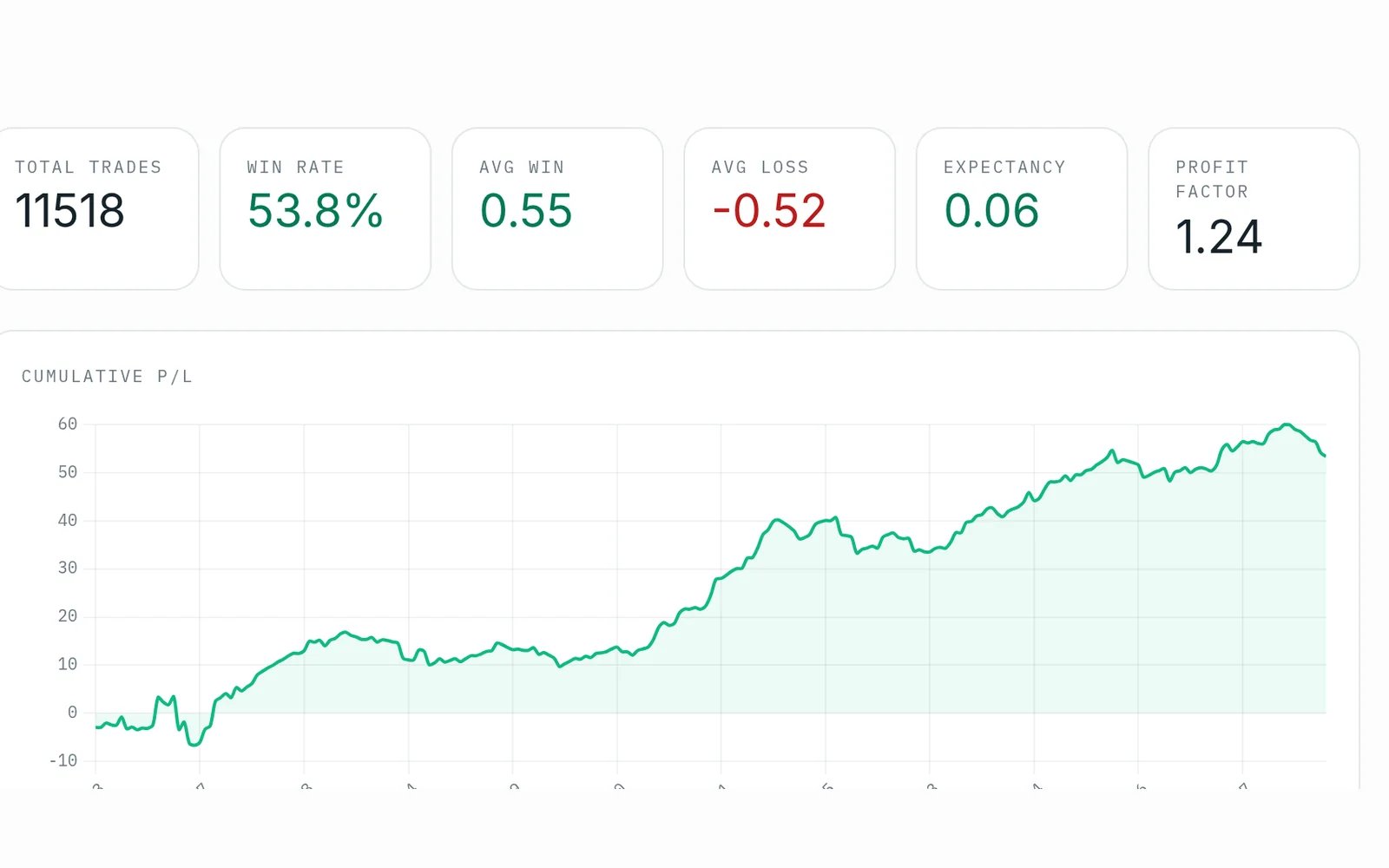
Trade with confidence
See how each setup performed in the backtest before you risk real money: the win rate, average gain and worst losing streak for that strategy.
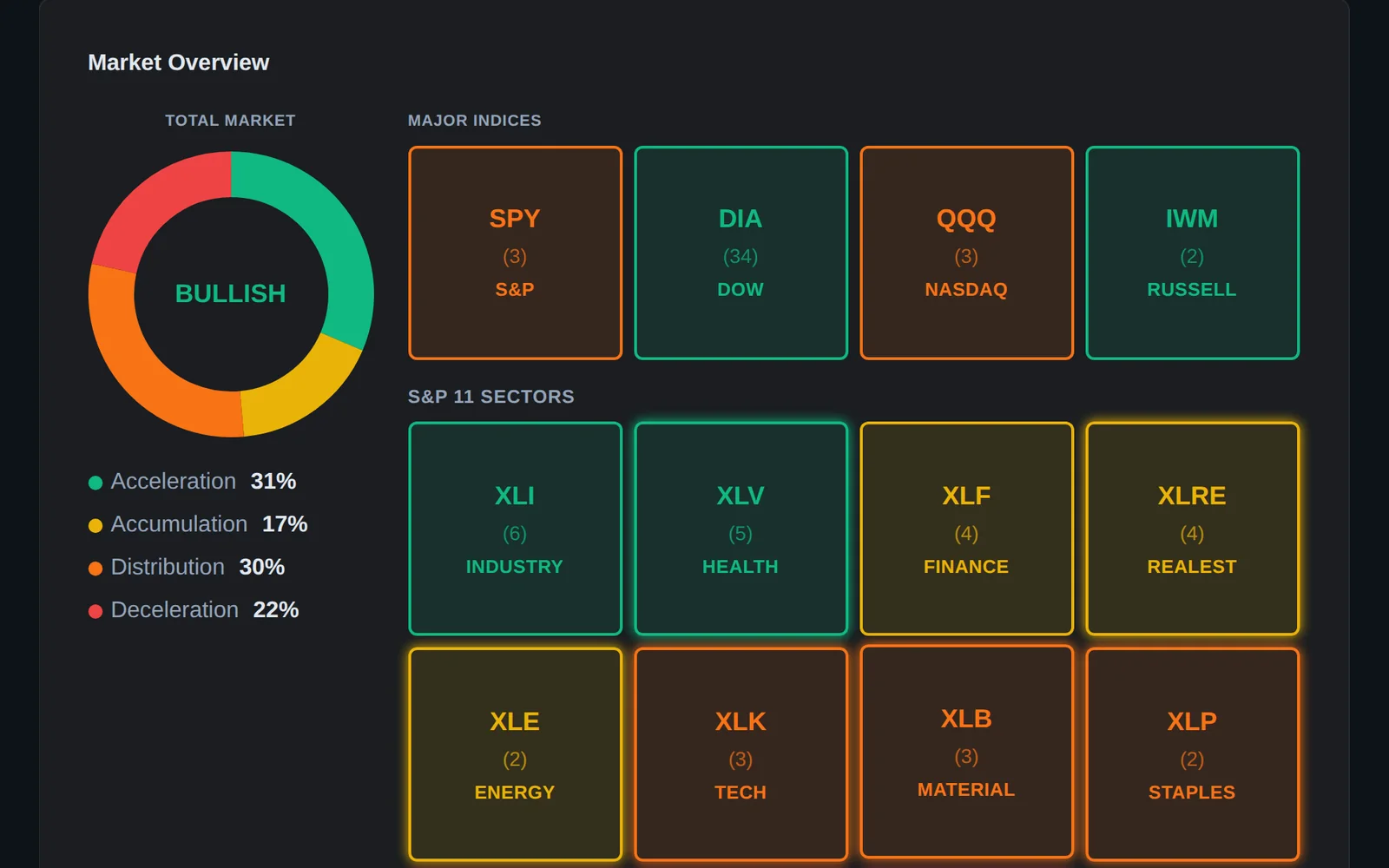
Trade with the trend
The levels are counter-trend: a long shows when price drops into the lower zone. Market Pulse shows which way the bigger trend leans, so you take reversals in the right context.
See levels on your charts
Export the volatility levels to ThinkOrSwim with one click, watch price approach them in real time, and execute when the setup triggers.
How it works
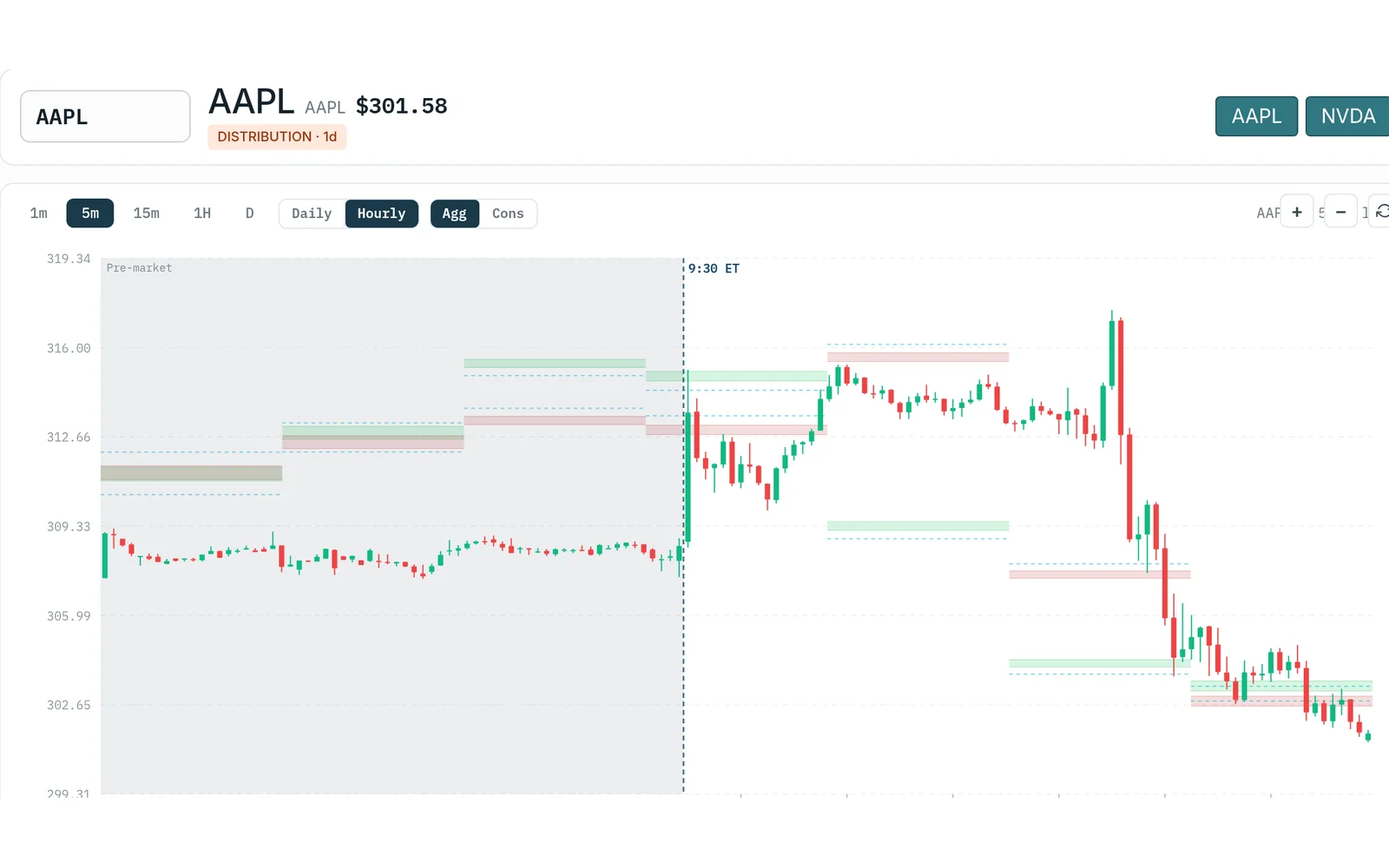
Every stock gets its zones
The daily model sets one buy zone and one sell zone per stock per day. The hourly models set a new level each hour, for intraday entries. Each comes in an aggressive and a conservative version.
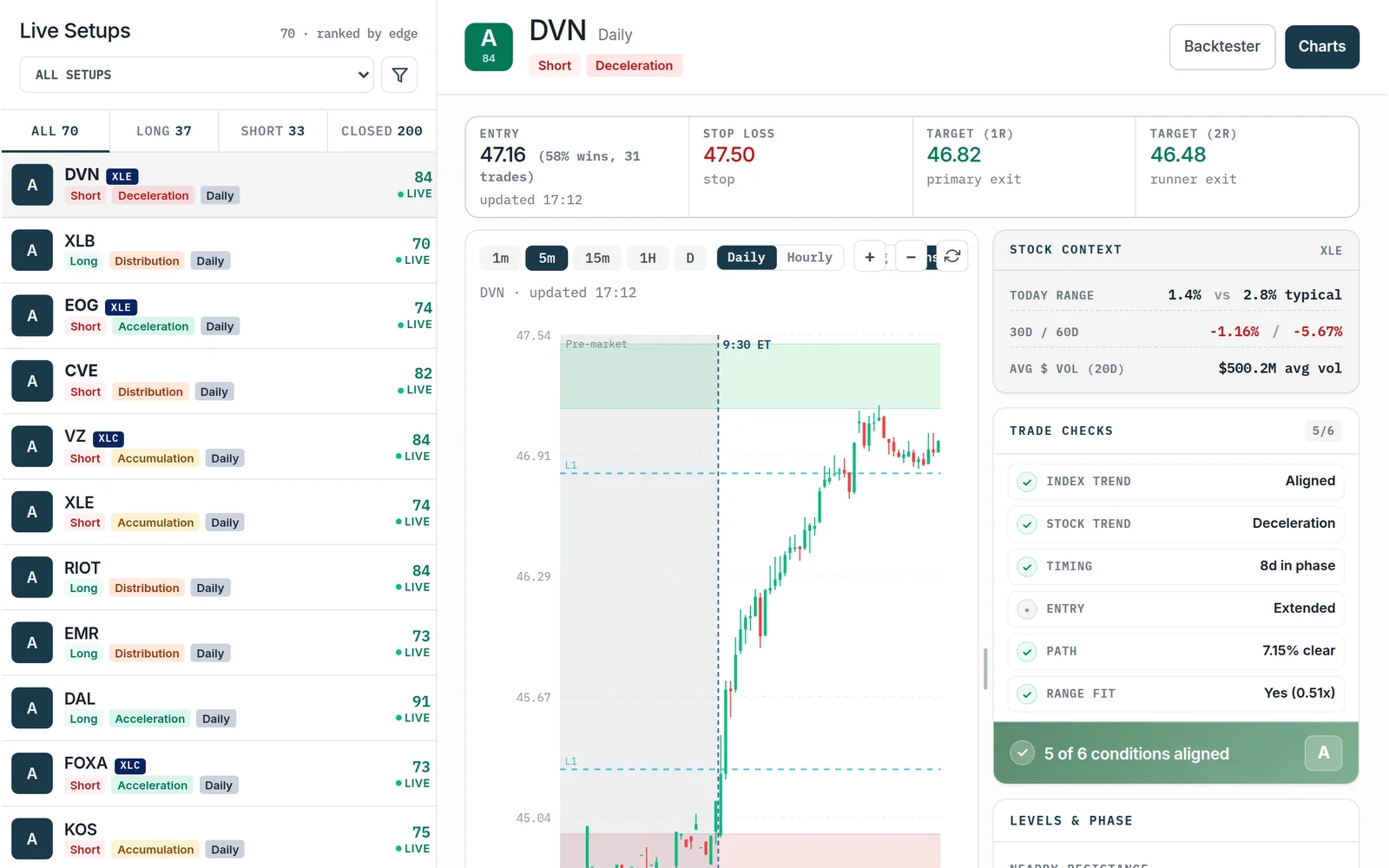
The scanner lists each setup
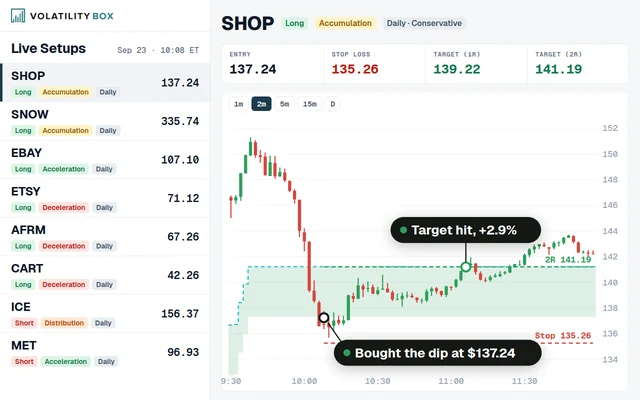
As price reaches a zone, the setup appears with its entry, stop and target, so you can pick the few worth taking.
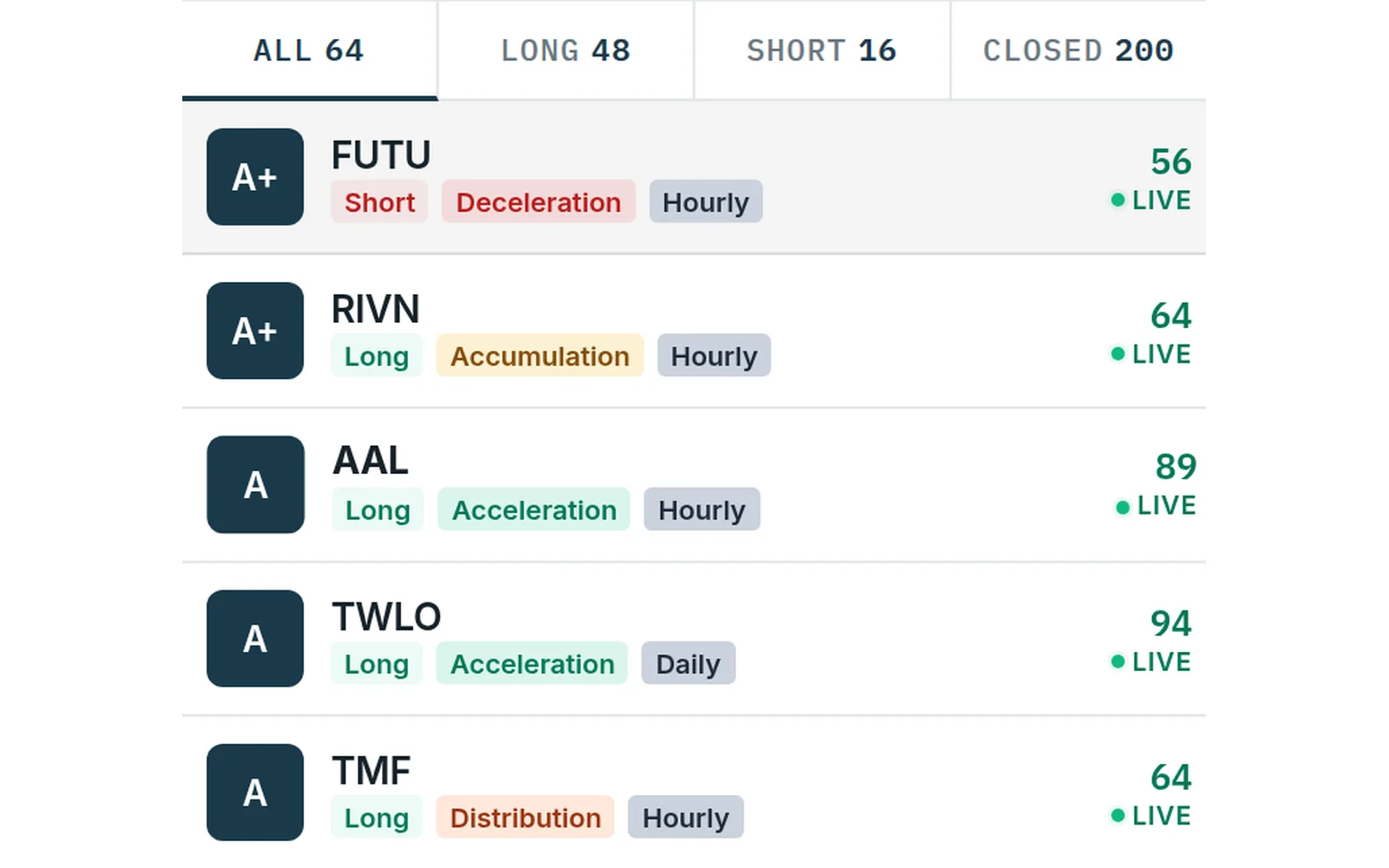
Market Pulse picks the side
The zones are counter-trend. Market Pulse places every stock in one of four phases, so you know whether to lean in or stand aside.
The platform
Screens from the Volatility Box app. Backtest figures describe past trades. Results vary, and past results do not guarantee future ones.
Live scanner
The scanner monitors 644 stocks and ETFs every minute and surfaces only the ones hitting volatility extremes right now.
- Setups ranked by statistical edge
- Filter to your watchlist, or let the scanner find new names
- One click to the chart, the backtest and the full trade details
Built-in charts
See the hourly and daily volatility zones, the trend and recent performance without leaving the scanner.
- See exactly where the reversal zone sits on price
- Confirm the trend before a counter-trend trade
- See how recent signals played out, winners and losers
Backtester
Every stock and strategy is backtested over 300+ trading days, so you know the historical win rate, average gain and worst losing streak for that exact setup.
- Skip setups without a statistical edge
- Size positions on real historical drawdowns
- Review every historical trade for the strategy
Videos
Learn the platform
The 10-part Volatility Box series, June 2026.
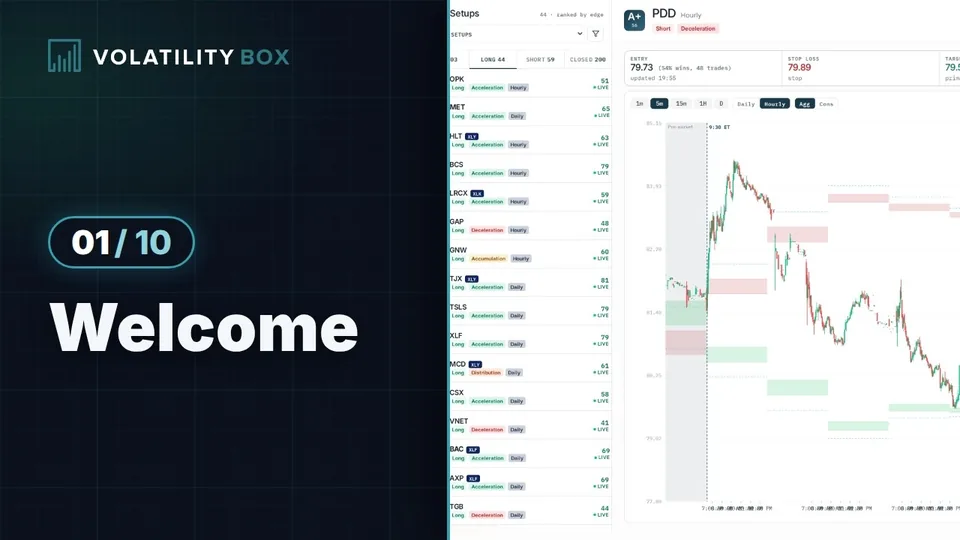 Welcome to the Volatility Box: Platform OverviewPart 1
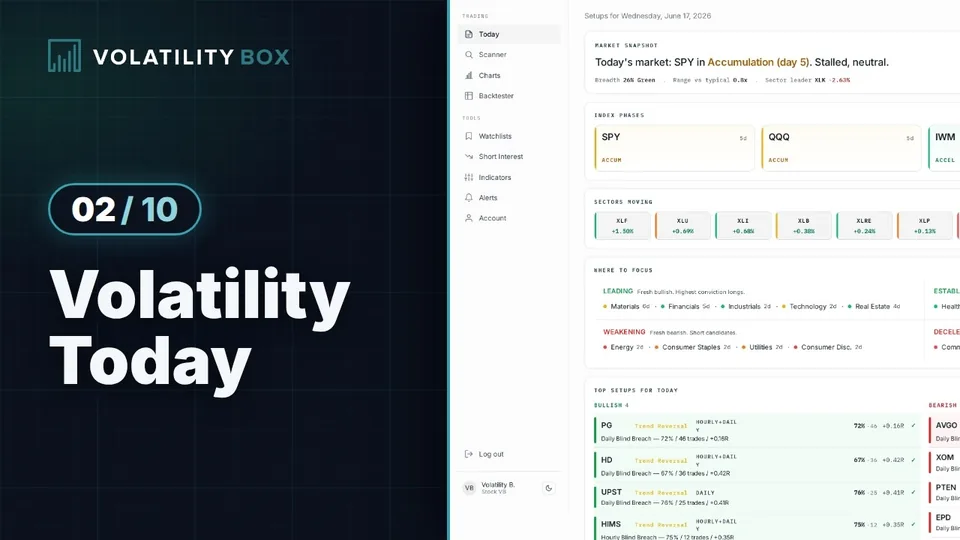 How to Read the Volatility Every Single DayPart 2
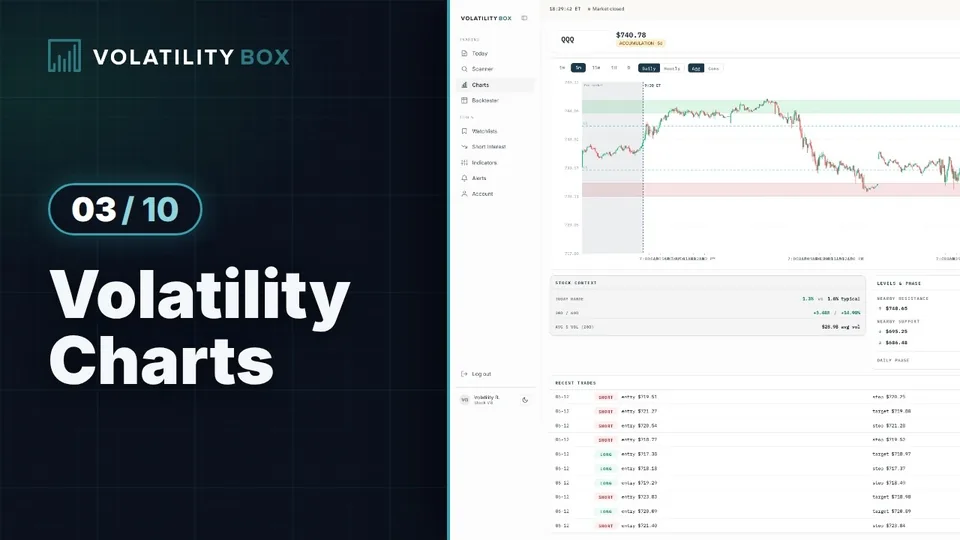 How to Use the Volatility ChartsPart 3
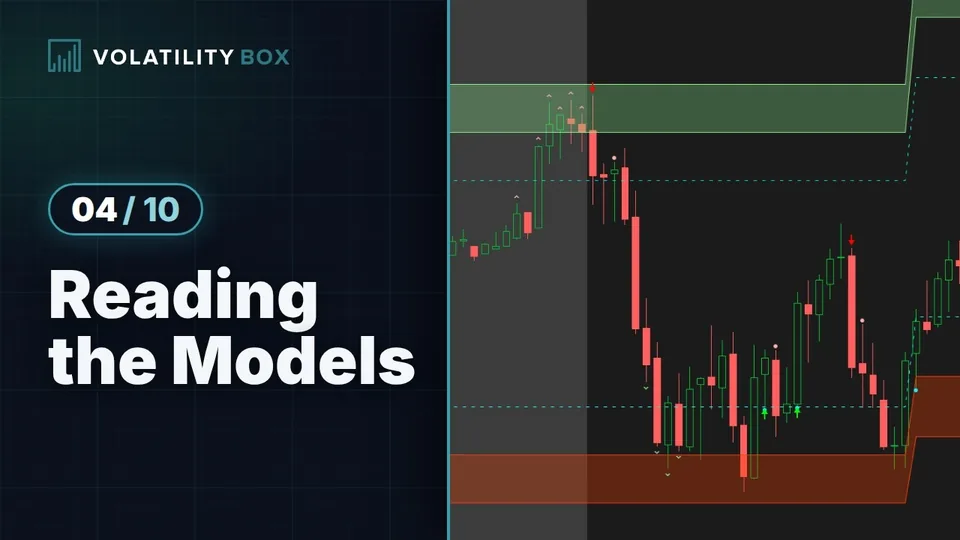 How to Read the Volatility Box ModelsPart 4
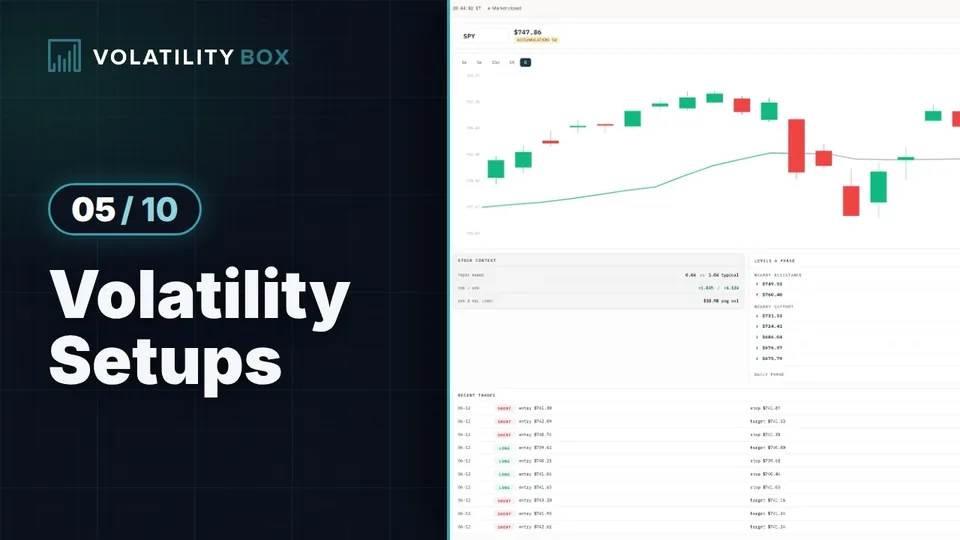 How to Trade Volatility Box SetupsPart 5
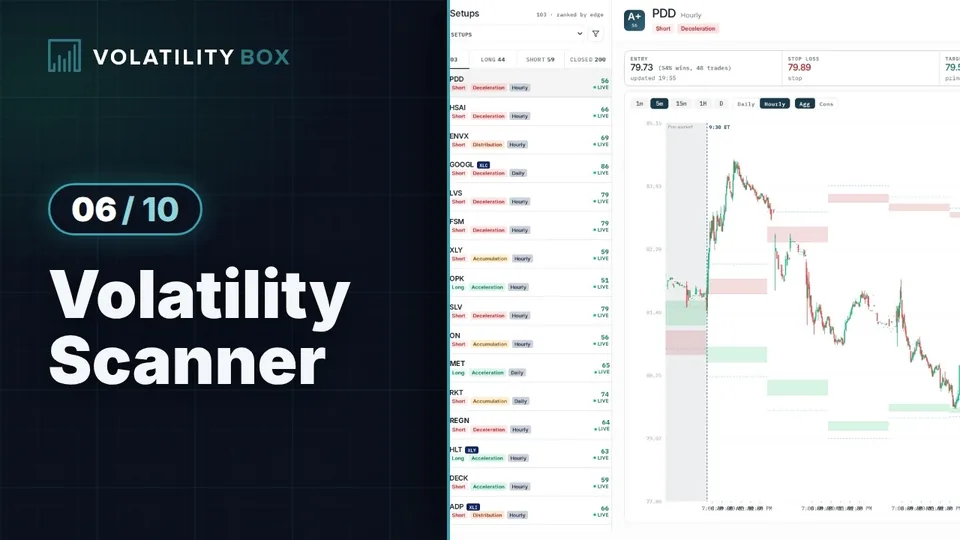 How to Use the Volatility ScannerPart 6
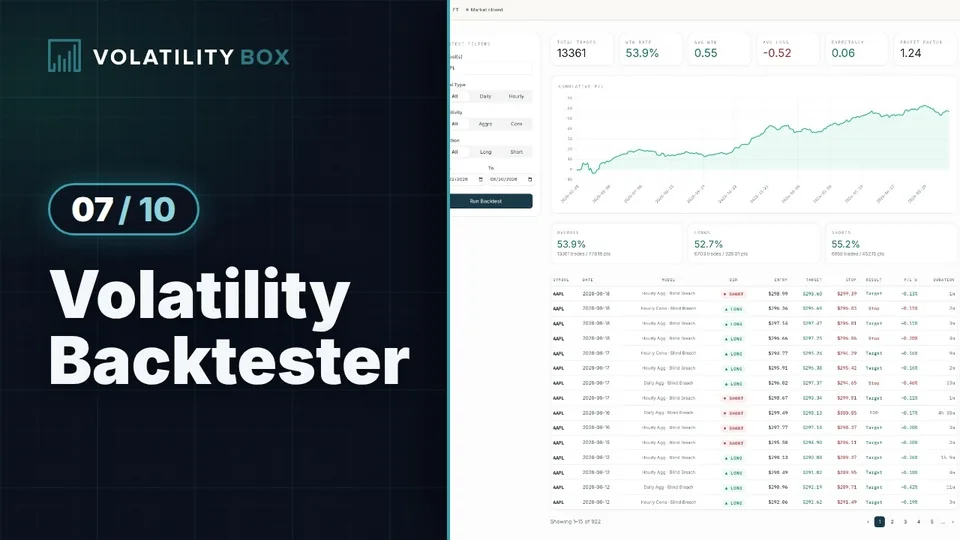 How to Use the Volatility BacktesterPart 7
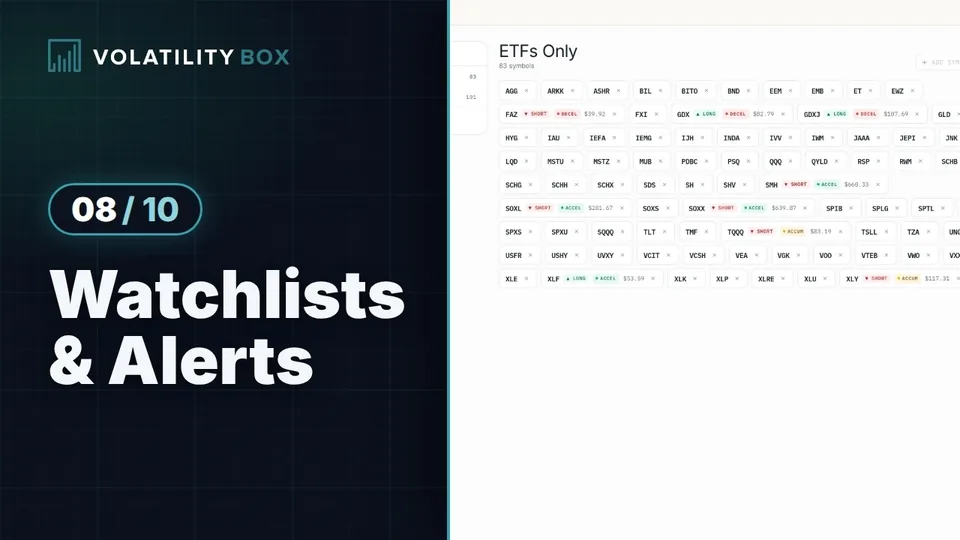 How to Set Up Volatility Watchlists and AlertsPart 8
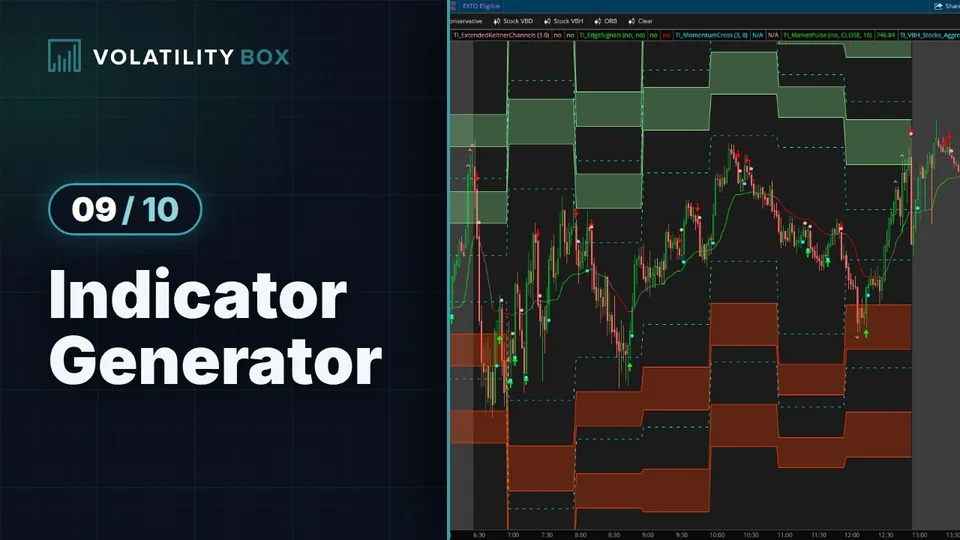 How to Generate Volatility Indicators for ThinkOrSwimPart 9
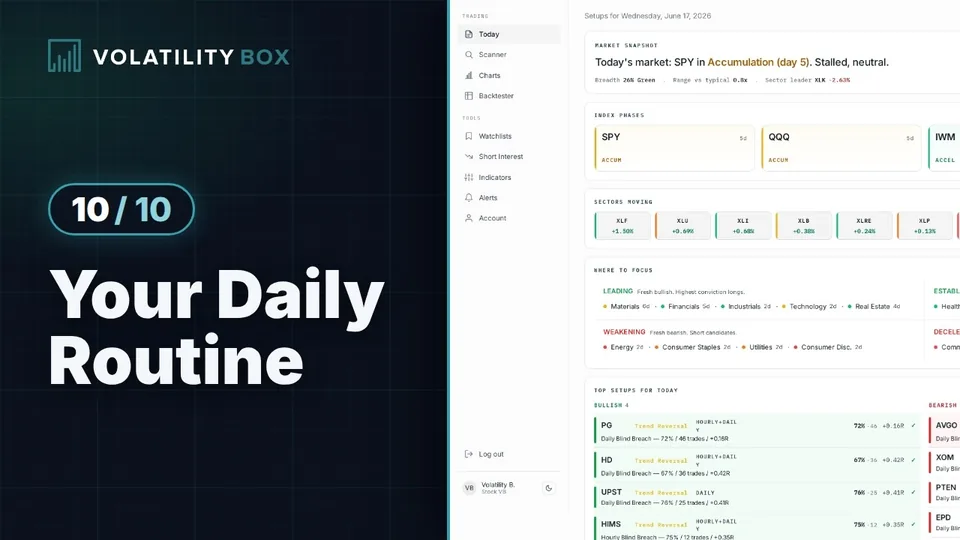 Your Daily Volatility Box RoutinePart 10
Recent videos
From our channel, newest first.
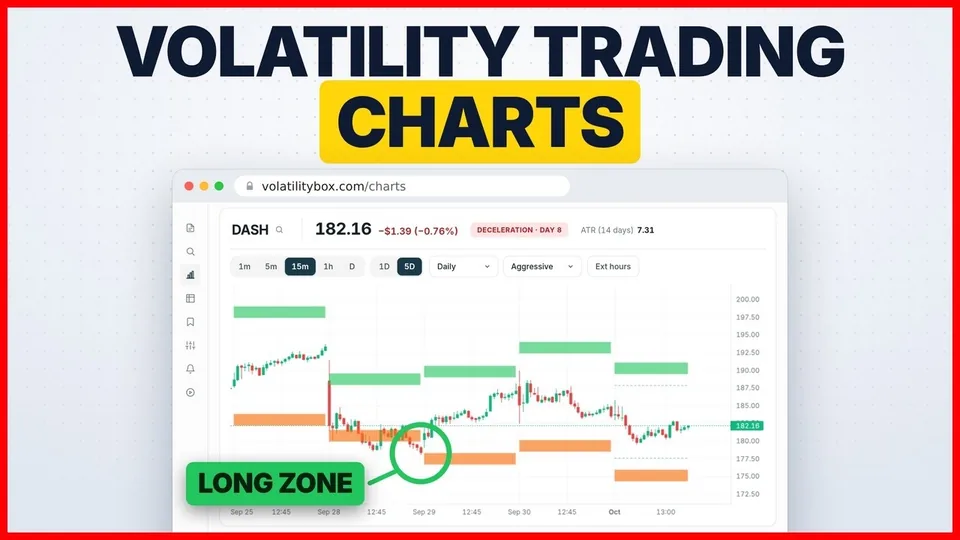 Optimized Charts for Volatility TradingOct 3, 2026
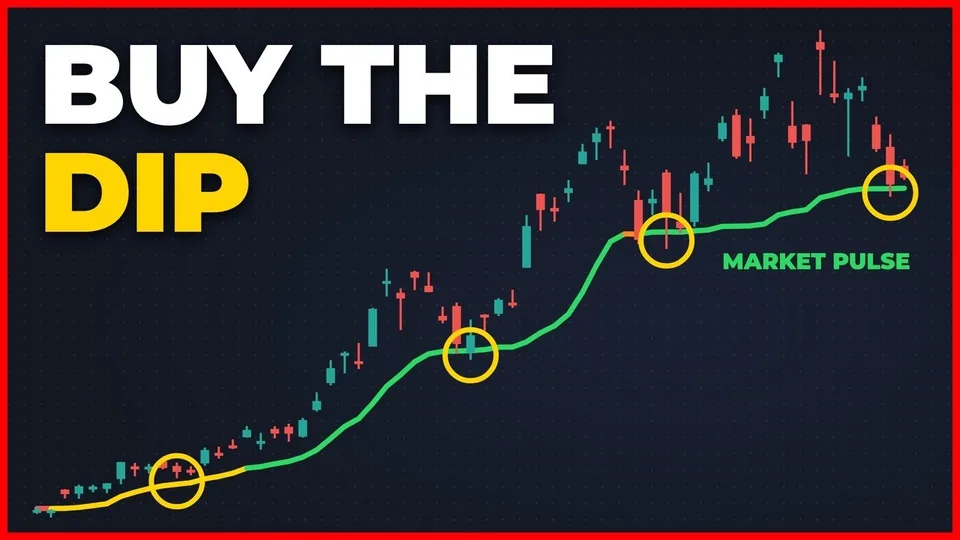 The Best Time to Buy the DipOct 1, 2026
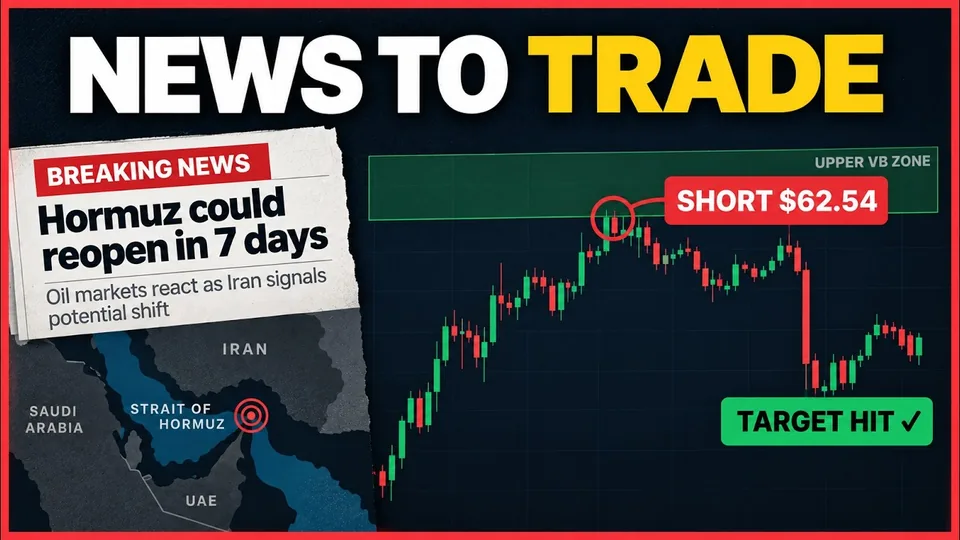 How I Turn Pre-Market News Into a TradeSep 23, 2026
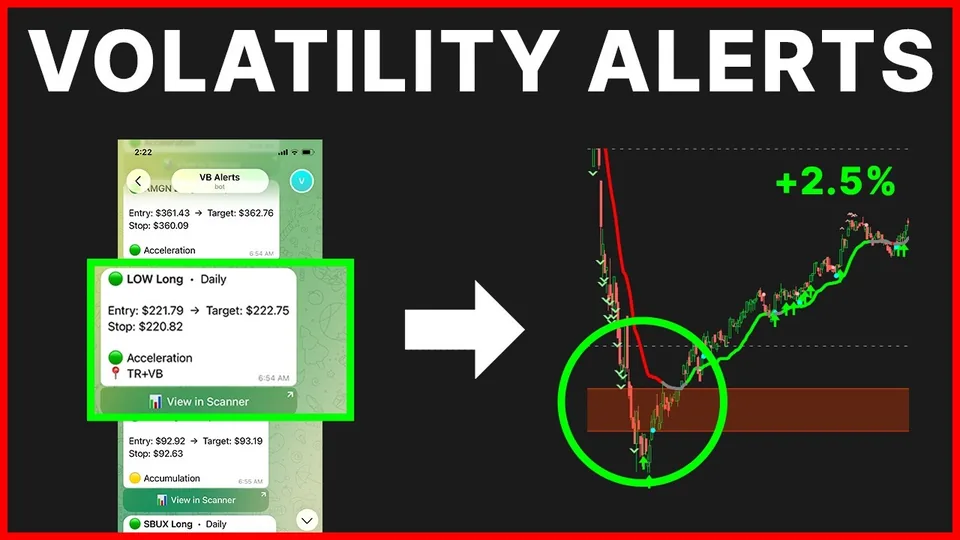 How to Pick and Choose the Best Volatility AlertsJul 7, 2026
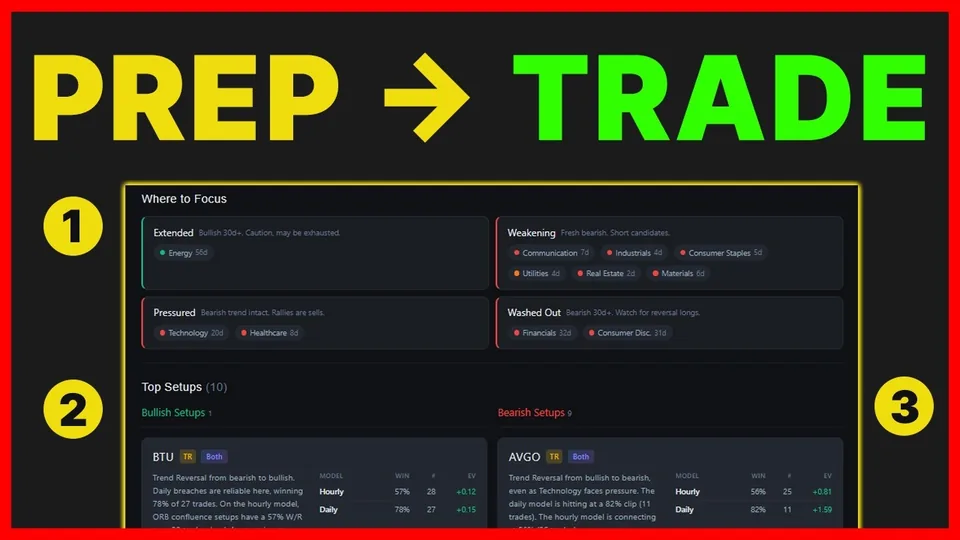 How to Prepare for Every Trading DayMar 24, 2026
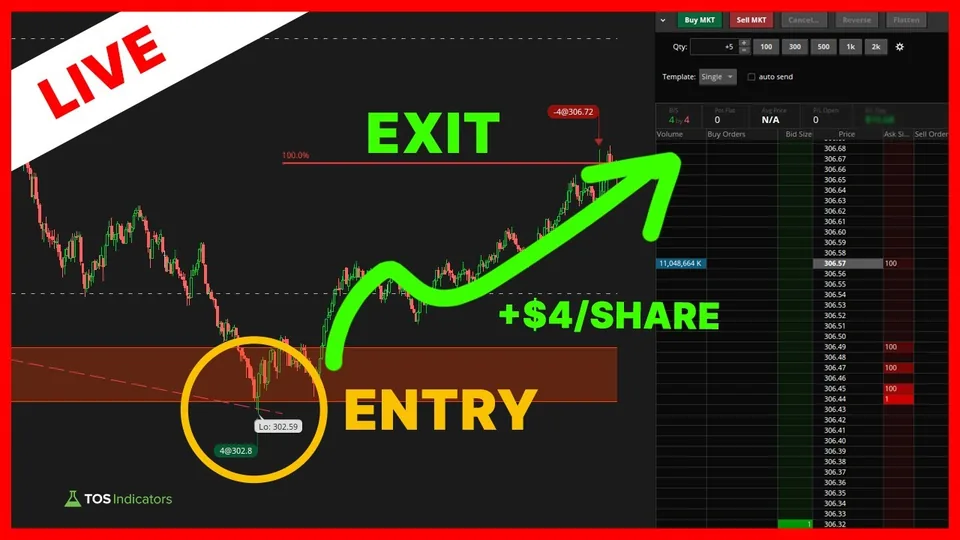 Live Day Trading: GOOGL Volatility SetupDec 16, 2025
Stock VB is in the Bundle
The Bundle adds Futures VB, ORB Setups and Squeeze Setups, for $253.50 a month.
Questions
Which stocks can I trade with this?
All 644 stocks and ETFs in the Volatility Box, chosen for enough volume and volatility to produce tradeable setups. That includes SPY, QQQ, IWM, all 11 sector ETFs, all of the Dow 30, and the most actively traded stocks like AAPL, TSLA, NVDA and AMD. No penny stocks or illiquid names.
What are the daily and hourly models?
Two reads on the same stock. The daily model gives one buy zone and one sell zone per stock per day. A daily level is harder to reach than an hourly one, so a tag carries more weight. The hourly models give a new level each hour, for intraday entries. Each model comes in an aggressive and a conservative version, so there are 4 in all.
Day trading or swing trading: which is this for?
Both. Day traders use the hourly models for intraday reversals. Swing traders use the daily models to frame the larger move. Pick the timeframe that fits your schedule.
Are the levels trend-following?
No. They are counter-trend: a long shows when price drops into the lower zone, a short when it rallies into the upper one. Market Pulse shows the bigger trend, so you can favor the side it supports.
Will I miss setups while I'm away?
The scanner updates every minute and shows all active setups when you return. You'll see which stocks are at volatility extremes right now, and which have been there for hours.
What if I don't use ThinkOrSwim?
The platform works with any broker. Entry, stop and target prices are shown for every setup, so you can enter those levels wherever you trade. The thinkScript export is a bonus for ThinkOrSwim users, not a requirement.
What else do I get besides the scanner?
Built-in charts, the backtester, Market Pulse, custom watchlists, thinkScript export and short interest data. You also get the Squeeze Course (19 video modules) and the members-only ThinkOrSwim indicators at no extra cost.
How do I combine the levels with other indicators?
Pair the Volatility Box levels with a momentum read like Market Pulse, Keltner Channel Wedges or the momentum signal. When price reaches a level and the momentum indicator agrees, the setup has more behind it.
Stock VB or Futures VB for SPX?
For SPX, Futures VB: its 5 hourly models run around the clock and the /ES levels also plot directly on SPX. Stock VB has 2 hourly and 2 daily models, and covers SPY itself along with the other 643 names.
What if it doesn't work for me?
Cancel anytime from your account. No contracts. Your subscription simply runs to the end of the billing period.
Other products
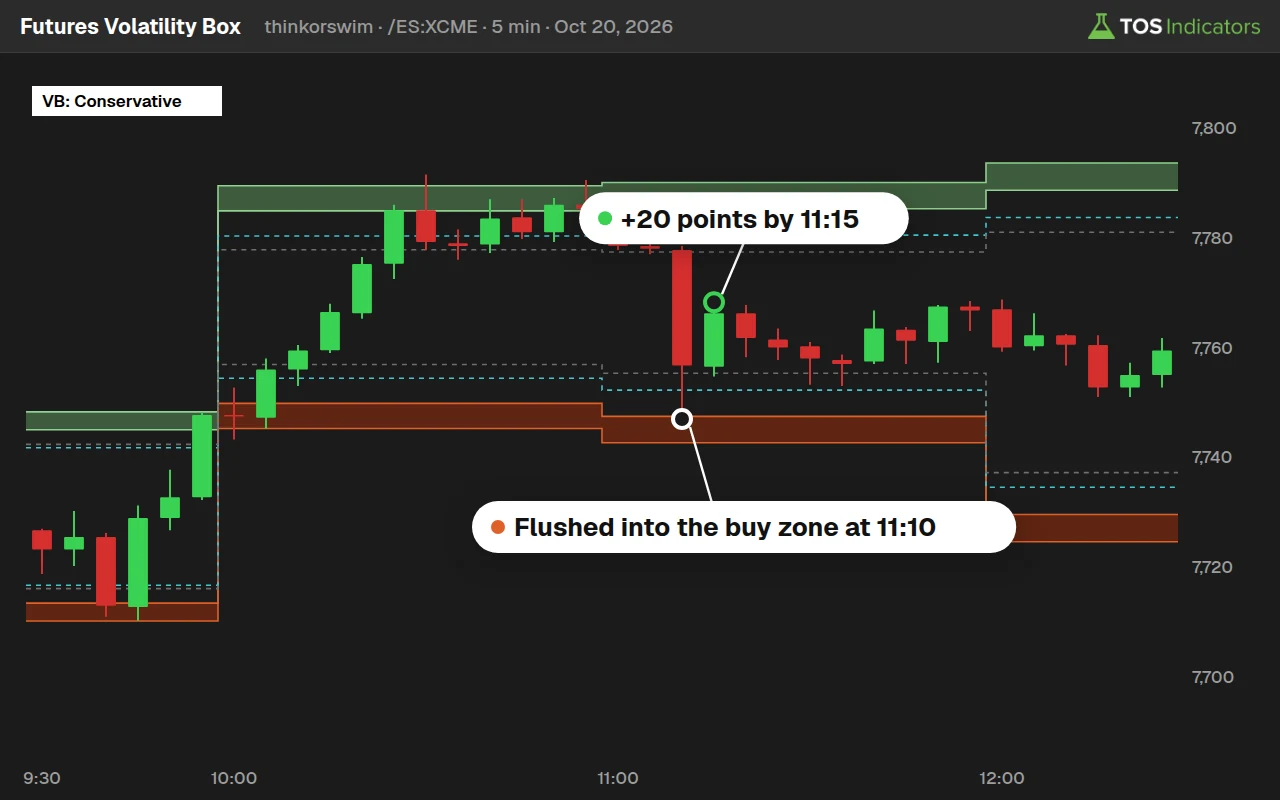 Futures Volatility Box$169 a month. 5 hourly models for 10 futures markets, the micros and SPX, for ThinkOrSwim and TradingView.
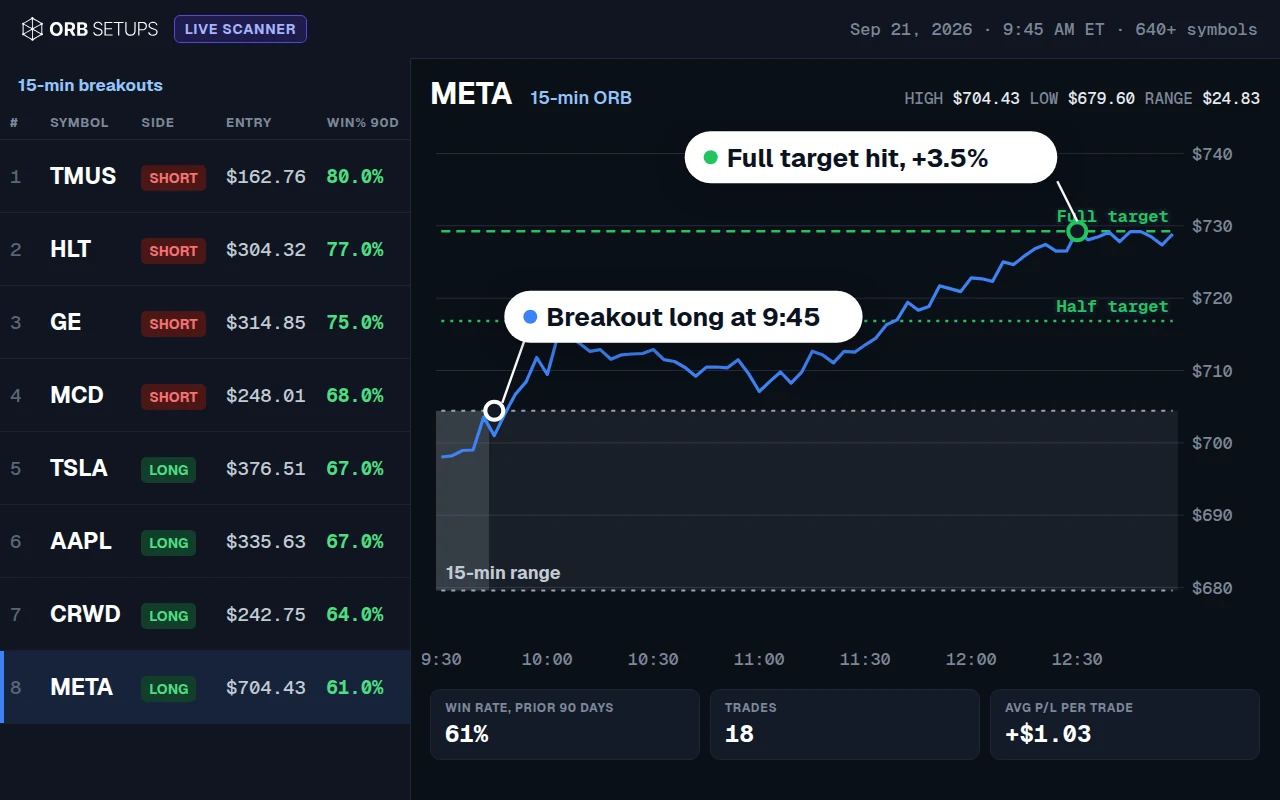 ORB Setups$99 a month. Opening range breakouts on 640+ stocks and ETFs, with each symbol's win rate and a backtester.
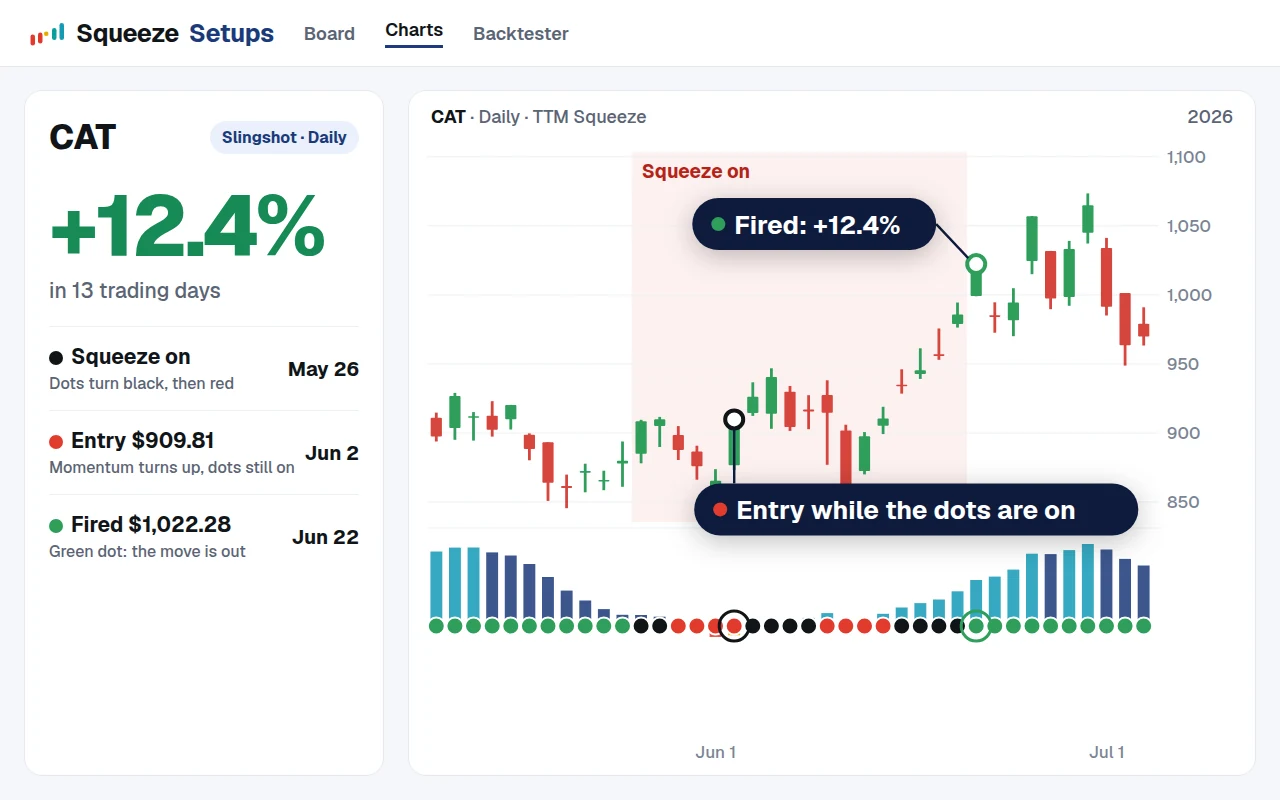 Squeeze Setups$99 a month. A live squeeze board on 600+ stocks and 12 timeframes, ranked by each name's backtest.
Get Stock VB
$169 a month. Cancel anytime, no contracts, and your price stays the same as long as you stay subscribed.