
 False Breakout Scanner
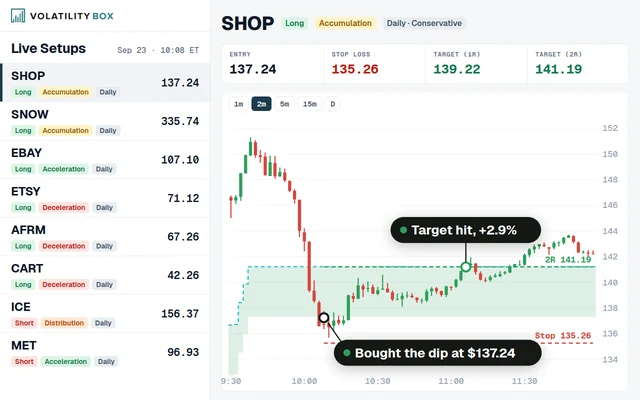 Stock Volatility Box
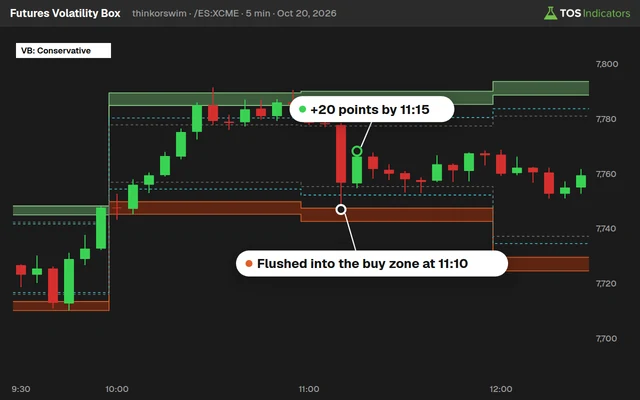 Futures Volatility Box
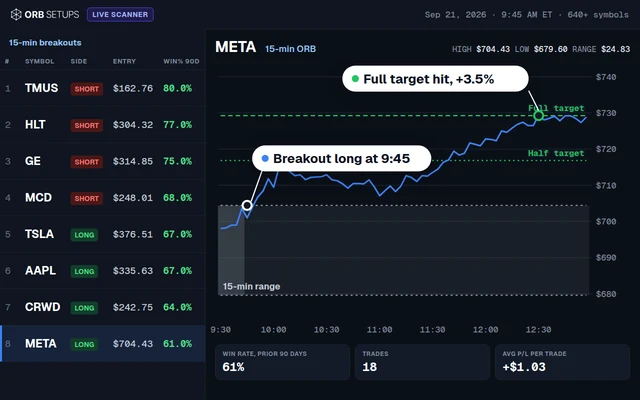 ORB Setups
 Squeeze Setups
How to Build a DCA Calculator in ThinkorSwim
Our DCA calculator for ThinkorSwim shows your average entry, number of buys and return if you bought twice a month or only on red days.

On this page
What it does
In this members-only tutorial I build a DCA calculator for ThinkorSwim from scratch. DCA, or dollar-cost averaging, means buying into a position on a schedule instead of all at once. The calculator puts 4 labels on your chart: the method, your average entry price, how many times you bought, and your return at the current price.
It has 2 methods. The default buys on the first trading day and the middle of every month. Red Days, the one I was more curious about, buys at the close of every day that closes below its open. It's for Volatility Box members who want to see which way of dollar-cost averaging into SPY, QQQ or a single stock worked better over the history on their chart.
Questions
What is a DCA calculator in ThinkorSwim?
Our DCA calculator is a members-only ThinkorSwim study that tests dollar-cost averaging on any chart. It marks every bar where a DCA plan would have bought, averages those closing prices, and shows 4 labels: the method, the average entry, the number of buys and the return at the current price. You can load it on SPY, QQQ or a single stock.
What is the difference between the Default and Red Days methods?
Default buys twice a month: on the first bar of the month and on the first bar dated the 14th or later. Red Days buys at the close of every bar that closes below its open. In the video, on SPY's 5-year daily chart, Default bought 120 times and Red Days bought 574 times.
How does the DCA calculator find the middle of the month?
For each month it checks whether getDayOfMonth(getYYYYMMDD()) is 14 or more, then keeps only the first bar where that turns true. If the 14th falls on a weekend or holiday, the next trading day takes its place. In the video, the January bubble started on January 17 because the bar before it was the 13th.
How do I change the period the DCA calculator tests?
Change the chart's time frame. The calculator averages every DCA bar loaded on the chart, so a 5-year daily chart tests 5 years and the max available data tests every bar the symbol has. In the video I mention 2 years for recent performance and max data when you want to study everything.
What does the Return label show?
Return shows how far the current price is from your average entry, as a percent: the current close minus the average entry, divided by the average entry. It is light green above 0 and pink otherwise. In the video, SPY's $449.16 price against a $362.10 average entry showed about 24% on the 5-year daily chart.
Why does the Red Days method make so many more purchases?
Red Days buys on every bar that closes below its open, and many trading days do. On SPY's 5-year daily chart in the video it bought 574 times against 120 for Default. With the max available data it bought almost 3,600 times against 733 for the demo version of Default. For the same budget, each Red Days purchase would be much smaller.
Why does ThinkorSwim say DCAMethod is already used?
The input is named DCAMethod, so no other variable can use that name. I hit this error in the video when I created the switch variables, and I renamed the variable to DCASelectedMethod. The input keeps DCAMethod, and the switch fills DCASelectedMethod with 1 for Default or 2 for Red Days.
Does the average entry match a fixed-dollar DCA plan?
Not exactly. The Avg Entry label is a plain average of closing prices, which equals your cost per share if you bought the same number of shares each time. A fixed-dollar plan buys more shares at lower prices, so its cost per share comes out at or below the label. Use the label to compare methods side by side.
Related
 Is There a Better Way to Dollar-Cost Average?Research
 How to Build a Fair Value Gap Indicator in ThinkOrSwimIndicators · Beginner-Friendly
 How to Build a Heiken Ashi Trend Dots Indicator in ThinkOrSwimIndicators · Beginner-Friendly
 How to Build a Commodities Tracker in ThinkOrSwimIndicators · Beginner
 Trend Squeeze Indicator for ThinkOrSwimIndicators · Beginner
 Volume Intensity Indicator for ThinkOrSwimIndicators · Beginner-Friendly