
 False Breakout Scanner
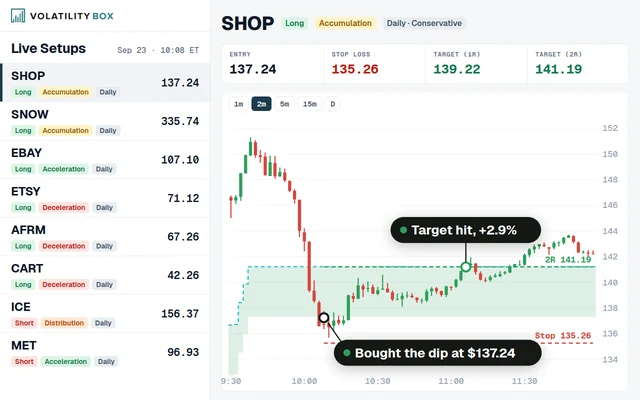 Stock Volatility Box
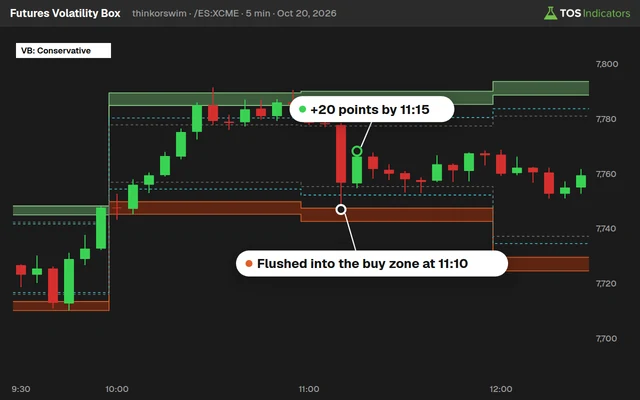 Futures Volatility Box
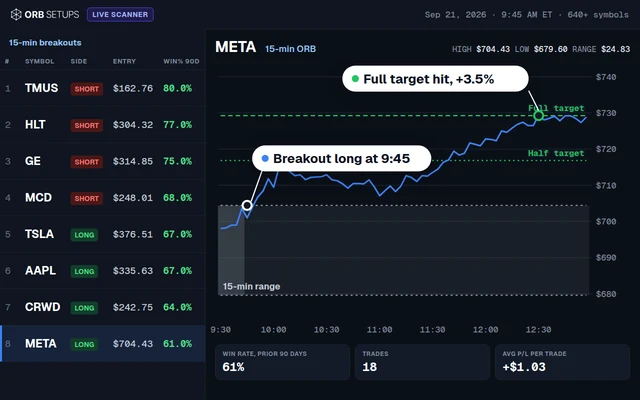 ORB Setups
 Squeeze Setups
Edge Signals Indicator for ThinkorSwim
Edge Signals for ThinkorSwim: our members-only overbought/oversold indicator plots green and red reversal arrows, with 6 candle colors and alerts.

On this page
What it does
Edge Signals is our custom overbought/oversold indicator for ThinkorSwim, and in this members-only video I walk through it in more detail. It plots green and red arrows on the price chart where a reversal may be starting, and it can color your candles on a 6-color scale.
My goal is that you understand what those arrows and colors mean, so you can trust the right signals and ignore the false ones. I also cover the 2 settings, how the alerts work, and 3 ways I use Edge Signals: at levels like the Volatility Box zones, on trend pullbacks, and inside our squeeze tools.
Questions
What is the Edge Signals indicator?
Edge Signals is our members-only overbought/oversold indicator for ThinkorSwim. It plots a green up arrow for a bullish signal and a red down arrow for a bearish signal on the price chart, where price may be starting to reverse. It can also color candles on a 6-color scale from dark green to dark red.
What do the Edge Signals candle colors mean?
The 6 colors are a scale. Dark green is the outermost zone on the upper side, then green, yellow, orange, red and dark red, the outermost zone on the lower side. Each candle's color shows where it sits on that scale. If you don't find the colors useful, set colorOn to no and keep the arrows.
How do I turn off the Edge Signals candle colors?
Open the study's settings from the studies menu, find colorOn and set it to no. The candles go back to your normal chart colors, and the arrows stay. Set it back to yes to bring the 6 colors back. In the download, colorOn is set to yes.
How do Edge Signals alerts work?
Set alertsOn to yes, since it is off by default. The alert fires when the bar before the current one has an Edge Signal, with the message Bull Edge Signal or Bear Edge Signal. It waits for that bar because a signal on the bar still printing can appear and then disappear before the bar closes.
Why did an Edge Signal arrow disappear?
An arrow on the bar that is still forming can print and then go away as new prices come in. Once the bar closes, its signal is final. That is why the alerts check the bar before the current one. Wait for the bar to finish before you act on a new arrow.
How do I use Edge Signals with the Volatility Box?
Use the Volatility Box zones as the level and the Edge Signal as the confirmation. The Edge Signal confirms price reversing to or from a zone. That is our fade setup, the use we talk about most. The same idea works with Fibonacci cluster zones and previous support and resistance.
Should I take every Edge Signal arrow?
No. In a trend, I look only at arrows in the trend's direction: green arrows in an uptrend and red arrows in a downtrend, and I ignore the rest. I use the Market Pulse most often to read the trend, and moving averages or VWAP work too. At a level, the arrow confirms a turn you already expect there.
How do I download the Edge Signals indicator?
The download is on this page for Volatility Box members. Log in with your Volatility Box credentials and download the zip, which holds one study file, TI_EdgeSignalsSTUDY.ts. The page always has the most updated version. Then import the file into ThinkorSwim as a study and add it to your chart.
Related
 Market Pulse Indicator for ThinkOrSwim: Find the 4 Market StagesIndicators · Beginner-Friendly
 How to Build a Fair Value Gap Indicator in ThinkOrSwimIndicators · Beginner-Friendly
 How to Build a Heiken Ashi Trend Dots Indicator in ThinkOrSwimIndicators · Beginner-Friendly
 How to Build a Commodities Tracker in ThinkOrSwimIndicators · Beginner
 Trend Squeeze Indicator for ThinkOrSwimIndicators · Beginner
 Volume Intensity Indicator for ThinkOrSwimIndicators · Beginner-Friendly