
 False Breakout Scanner
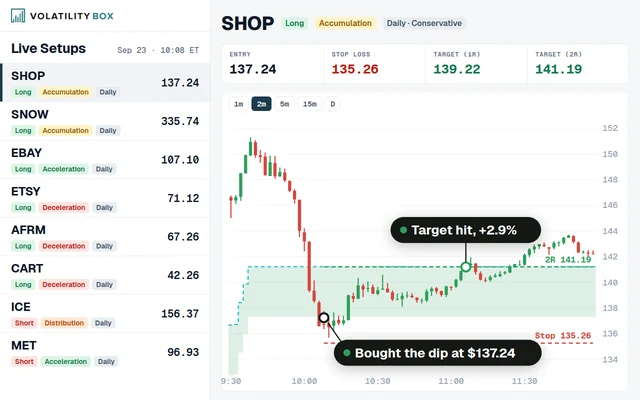 Stock Volatility Box
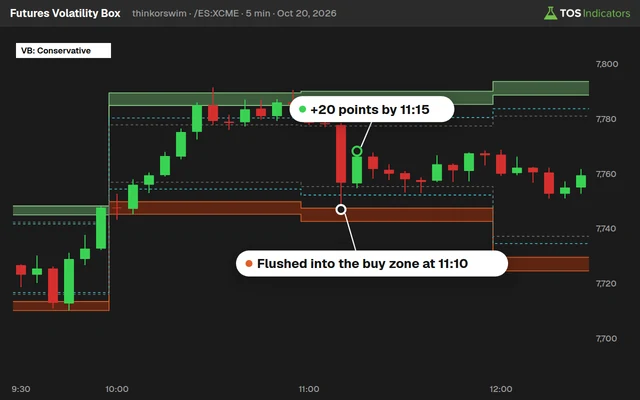 Futures Volatility Box
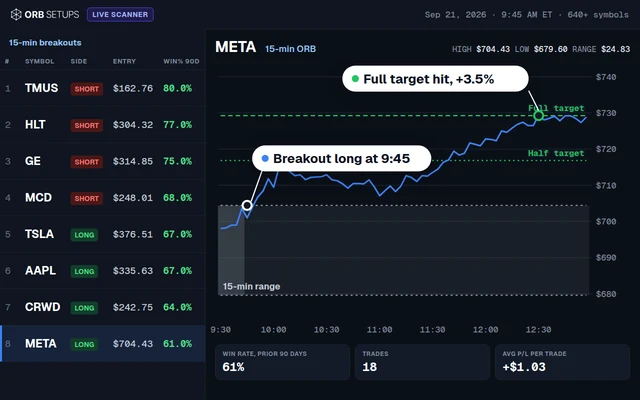 ORB Setups
 Squeeze Setups
MTF Market Pulse Indicator for ThinkorSwim
Our MTF Market Pulse for ThinkorSwim shows the Market Pulse trend color for 17 timeframes, monthly down to 1 minute, as labels on one chart.

On this page
What it does
The MTF Market Pulse is the members-only multiple time frame version of our Market Pulse indicator for ThinkorSwim. It puts one small label per timeframe in the corner of your chart, from monthly down to 1 minute, and colors each one green, red, yellow or orange by the Market Pulse on that timeframe.
I use it to trade smaller timeframe moves in the direction of a longer timeframe trend, such as 1-minute and 3-minute entries with the 15-minute or 30-minute trend. In this video I go through how the code is built instead of typing it from scratch, so you can trim it to the timeframes you care about or repeat the pattern for another indicator.
Questions
What is the MTF Market Pulse indicator?
The MTF Market Pulse is our members-only multiple time frame version of the Market Pulse for ThinkorSwim. It shows one label per timeframe, from monthly down to 1 minute, colored green, red, yellow or orange by the Market Pulse on that timeframe. I use it to keep a longer timeframe trend in view while I trade a smaller chart.
What do the MTF Market Pulse label colors mean?
Green means the 8, 21 and 34 VWMAs on that timeframe are stacked bullishly. Red means they are stacked bearishly. With neither stack, the label is yellow when price is at or above the VMA line, the accumulation stage, and orange when price is below it, the distribution stage.
Why don't I see the 1-minute label on a 5-minute chart?
ThinkorSwim can only read data from the chart's own timeframe and larger ones. On a 5-minute chart, the study cannot read 1-minute, 2-minute or 3-minute data, so those blocks set their values to 0 and their labels stay hidden. Load the study on a 1-minute chart to see all 17 labels.
How do I make the MTF Market Pulse load faster?
Delete the timeframes you don't use. Select a timeframe's whole block in the code, from its def lines through its if and else blocks and its 4 AddLabel lines, and delete it. In the video I removed the 1-minute block and the study loaded a little quicker. Swing traders might drop 1m to 4m.
How many timeframes does the MTF Market Pulse show?
The download has 17: M, W, 4D, 3D, 2D, D, 4h, 2h, 1h, 30m, 15m, 10m, 5m, 4m, 3m, 2m and 1m. In the video I call it 18 timeframes, but the download has no 20-minute block. You can add one by copying the 30-minute block and changing its names, aggregation period and label.
Why is an MTF label green when the Market Pulse line is not?
The MTF labels go green or red on the VWMA stack alone. The free Market Pulse line also checks price against the VMA: green needs price at or above it and red needs price at or below it. With a bullish stack and price under the VMA, the MTF label is green while the free Market Pulse shows distribution.
What length does the MTF Market Pulse use?
The VMA length is 10 on every timeframe, defined once at the top of the code as a global variable, so it always looks back 10 bars of the timeframe it is on. The VWMAs use 8, 21 and 34 bars of that timeframe, the same values as the free Market Pulse.
How do I build my own multiple time frame indicator in ThinkorSwim?
Copy the indicator's code once per timeframe and add a suffix to every variable. Wrap each copy in a GetAggregationPeriod() check, read that timeframe's close and volume with period=, set everything to 0 in the else branch, and add labels. Our MTF Squeeze and MTF DMI tutorials build MTF indicators code by code.
Related
 Market Pulse Indicator for ThinkOrSwim: Find the 4 Market StagesIndicators · Beginner-Friendly
 Aggregation Periods in thinkScript: Plot a Daily Indicator on an Intraday ChartthinkScript · Beginner
 Multi-Time Frame (MTF) Squeeze Indicator for ThinkOrSwimIndicators · Beginner
 How to Build a Fair Value Gap Indicator in ThinkOrSwimIndicators · Beginner-Friendly
 How to Build a Heiken Ashi Trend Dots Indicator in ThinkOrSwimIndicators · Beginner-Friendly
 How to Build a Commodities Tracker in ThinkOrSwimIndicators · Beginner