
 False Breakout Scanner
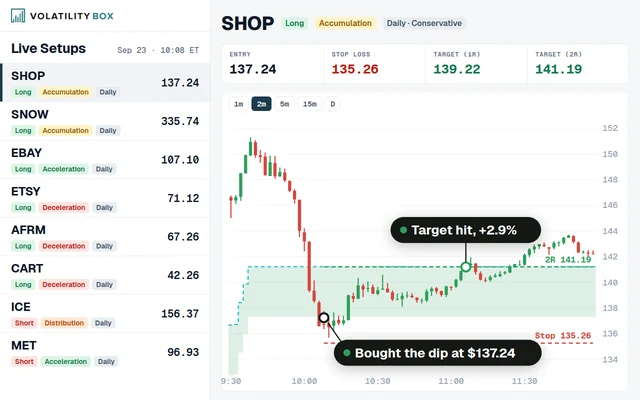 Stock Volatility Box
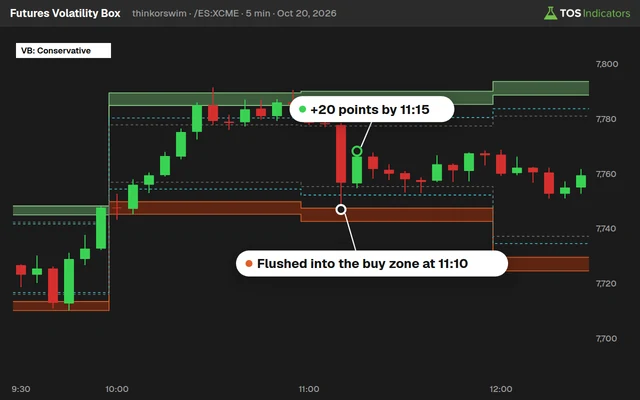 Futures Volatility Box
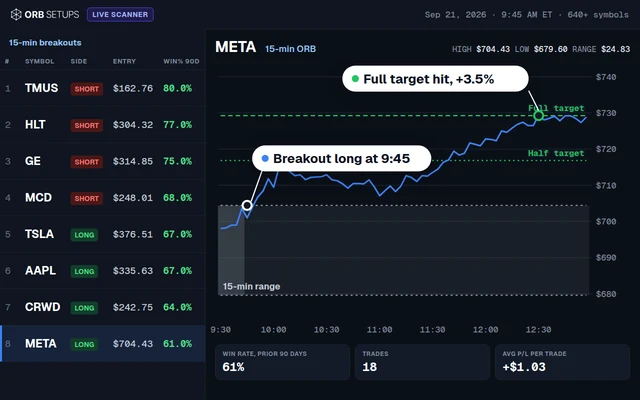 ORB Setups
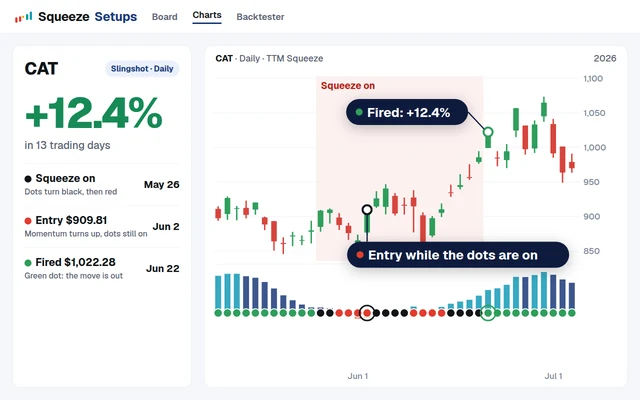 Squeeze Setups
Dividend Yield Pro Indicator for ThinkorSwim
Dividend Yield Pro for ThinkorSwim plots a stock's dividend yield against its own high, low, midpoint and 200-bar average, with year-over-year growth.

On this page
What it does
In this members-only tutorial I turn our free dividend yield indicator into Dividend Yield Pro for ThinkorSwim. The Pro version plots the dividend yield as a line in a lower pane and measures today's yield against its own history: the highest, lowest and midpoint yield on the chart, 2 quadrant lines and a 200-bar average.
This is Part 2 of the dividend yield tutorial, for Volatility Box members. It's for income investors who see a high yield and want to know at a glance whether it's high for that stock, and whether the dividend grew over the past year.
Questions
Why does Dividend Yield Pro drop the threshold input?
The free version colors its label against a threshold you pick, and I found that number arbitrary. The Pro version compares the yield with its own levels instead. The Mid label turns light green above the midpoint yield, the 200-SMA label above the 200-bar average, and the main label only when the yield is above both.
How is the midpoint yield calculated?
The midpoint is the lowest yield on the chart plus half the distance between the lowest and the highest yield. HighestAll and LowestAll read every loaded bar, so the midpoint covers whatever history you load. In the video, PMT's midpoint over 5 years was 18.71%, above its current 11.83% yield.
What are the quadrant lines in Dividend Yield Pro?
They split the yield range into 4 equal parts. The upper quadrant line sits halfway between the midpoint and the highest yield, and the lower quadrant line halfway between the lowest yield and the midpoint. Today's yield falls into one of the 4 baskets. In the Part 1 preview, Verizon's 7.48% was in the top one.
How does Dividend Yield Pro calculate year-over-year dividend growth?
It sums the dividends paid over the last 252 daily bars, reads the same sum 253 bars earlier for the year before, and divides the difference by the earlier year's total. The YoY label is light green for 0 or more and pink for a decline. In the video, PMT's YoY growth was negative 0.53%.
Why is the main label yellow when the yield looks high?
The main label needs 2 things to turn light green: a yield above its 200-bar average and above the midpoint of its range. If either fails, it's yellow. In the video, PMT's 11.83% was above its 200 SMA of 11.79% and below its midpoint of 18.71%, so the label was yellow.
How do I show the 200-day average of the dividend yield?
Set showSMA to yes in the study settings. It's off by default to keep the pane clean. The 200-SMA label and the label colors use the average even when the line is hidden, because the code keeps the calculation in a def variable, separate from the plot.
How much history should I load for Dividend Yield Pro?
I used 5 years of daily data in the video. The range lines and the midpoint use every loaded bar, so 20 years or the max setting widens the range. The YoY reading needs about 2 years of daily bars, since it compares the last 252 bars with the 252 before them.
Does Dividend Yield Pro work on intraday charts?
No. Like the free version, it reads GetDividend(), which only has dividend data on a daily time frame, and its Assert line stops the study on any other chart. Load it on a daily chart. On other time frames, click the exclamation mark to see the message.
Related
 How to Build a Dividend Yield Indicator in ThinkOrSwimIndicators · Beginner-Friendly
 How to Build a Fair Value Gap Indicator in ThinkOrSwimIndicators · Beginner-Friendly
 How to Build a Heiken Ashi Trend Dots Indicator in ThinkOrSwimIndicators · Beginner-Friendly
 How to Build a Commodities Tracker in ThinkOrSwimIndicators · Beginner
 Trend Squeeze Indicator for ThinkOrSwimIndicators · Beginner
 Volume Intensity Indicator for ThinkOrSwimIndicators · Beginner-Friendly