
 False Breakout Scanner
 Heiken Ashi Trend
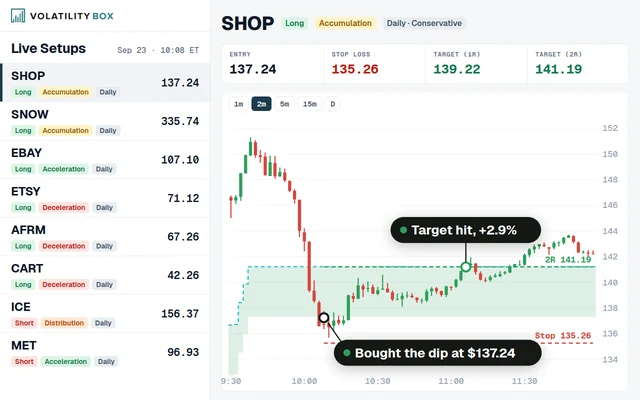 Stock Volatility Box
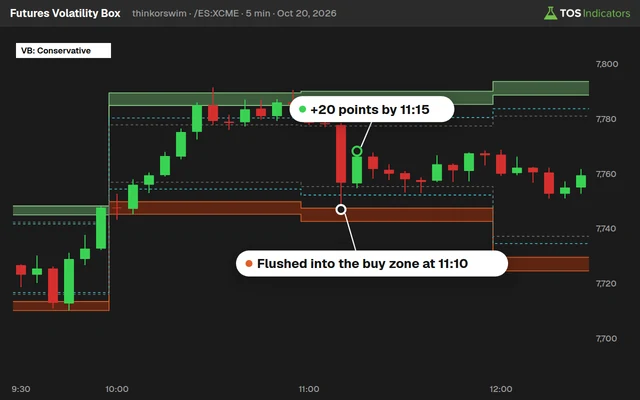 Futures Volatility Box
 ORB Setups
 Squeeze Setups
Pre-Earnings Analysis Indicator for ThinkorSwim: Price and IV Into Earnings
Our pre-earnings indicator for ThinkorSwim counts how often a stock's price and implied volatility rose or fell in the days before past earnings reports.

On this page
What it does
In this 33-minute members-only video I build a pre-earnings indicator for ThinkorSwim from scratch. It looks back over every earnings report on the chart and measures what price and implied volatility (IV) did in the 7 days leading into each one: how many times they rose, how many times they fell, and the average move each way.
The results sit in labels at the top of the chart, with a bubble on each report so you can check the numbers one at a time. I built it for Volatility Box members who trade the run-up into earnings, whether that means getting long the stock or buying calls a week or two before the report.
Included with Volatility Box and the Bundle
The full walkthrough, the thinkScript code, the download and the build video for Pre-Earnings Analysis Indicator for ThinkorSwim: Price and IV Into Earnings are for Volatility Box and Bundle members, along with every other members-only tool and the Squeeze Course.
Questions
What does the Pre-Earnings Analysis indicator do?
It counts how many times a stock's price rose and fell over a set number of days before each past earnings report, and shows the average rise and the average fall as percentages. It repeats the count for implied volatility. The results show as yellow price labels and light green IV labels, with a bubble on each report.
How do I add the pre-earnings indicator to ThinkorSwim?
Download the zip from this page while logged in as a Volatility Box member, unzip TI_PreEarningsSTUDY.ts and import it as a study. You can also click Create in the studies window, delete the starter code and paste in the Code tab. Add it to a daily chart with enough history to hold the reports you want counted.
What does the preERdays input do?
preERdays sets how many bars before each report the move is measured from. It defaults to 7, which is 7 trading days on a daily chart. The labels, vertical lines and bubbles all follow it. In the video I also try 10, 30 and 3 days, and one stock's counts changed a lot between them.
How does the indicator handle earnings before the open and after the close?
It flags the last bar before the market can react. For a report before the open, that is the day before, so the code reads HasEarnings one bar ahead. For a report after the close, it is the report day itself. The move into earnings is measured to that bar's close.
Why track implied volatility before earnings?
Implied volatility is part of an option's price. If IV tends to rise into a stock's reports, a call bought days before earnings can gain from that rise as well as from the stock. The setup I look for in the video is a stock where price and IV both tend to rise into earnings.
How is it different from the Smarter Earnings indicator?
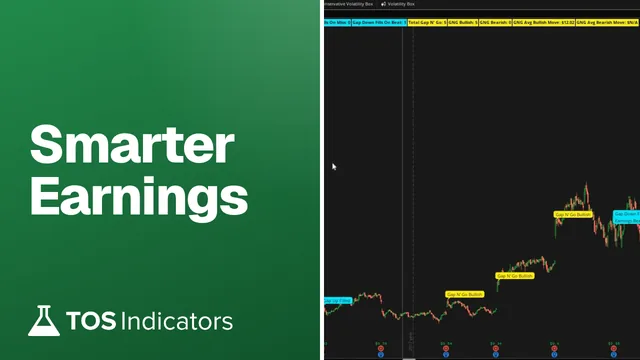
Smarter Earnings is a free indicator for the day of earnings: the gap, whether it filled, and whether the company beat or missed. The Pre-Earnings Analysis indicator stops before the report and measures the run-up in price and IV. Use it for the run-up into a report and Smarter Earnings for the session that reacts to it.
How many earnings reports does the indicator count?
It counts every report on the bars loaded on your chart, so the time range decides the sample. The charts in the video held 20 reports, about 5 years of quarterly earnings. A move of exactly 0% lands in neither the rise nor the fall bucket and isn't counted.
What did the pre-earnings indicator show for Apple?
In the video, Apple at 10 days showed 20 earnings. Price rose into 14 of them (70%), by 3.36% on average, and fell into 6, by -2.83% on average. IV rose 13 times, by 6.49% on average, and fell 7 times, by -7.76%. These are historical counts from the day I recorded.
Related
 How to Add Labels in ThinkOrSwim With AddLabel (6 Examples)thinkScript · Beginner
 One-Two Punch Momentum PatternResearch
 Smarter Earnings Indicator for ThinkOrSwimIndicators · Intermediate
 Can Microsoft Do It Again?Research
 How to Scan for Upcoming Earnings in ThinkOrSwimScans · Beginner
 How to Build a Fair Value Gap Indicator in ThinkOrSwimIndicators · Beginner-Friendly